11 Best Shared Inbox Software Tools for Team Collaboration 2026
Discover the best shared inbox software & tools for business to improve customer collaboration and team productivity
No credit card required. Easy setup

Trusted By Leading Brands


Discover the best shared inbox software & tools for business to improve customer collaboration and team productivity
No credit card required. Easy setup
Enhance communication of your business with shared inbox software. Boost productivity, respond faster and gain valuable conversation insights.
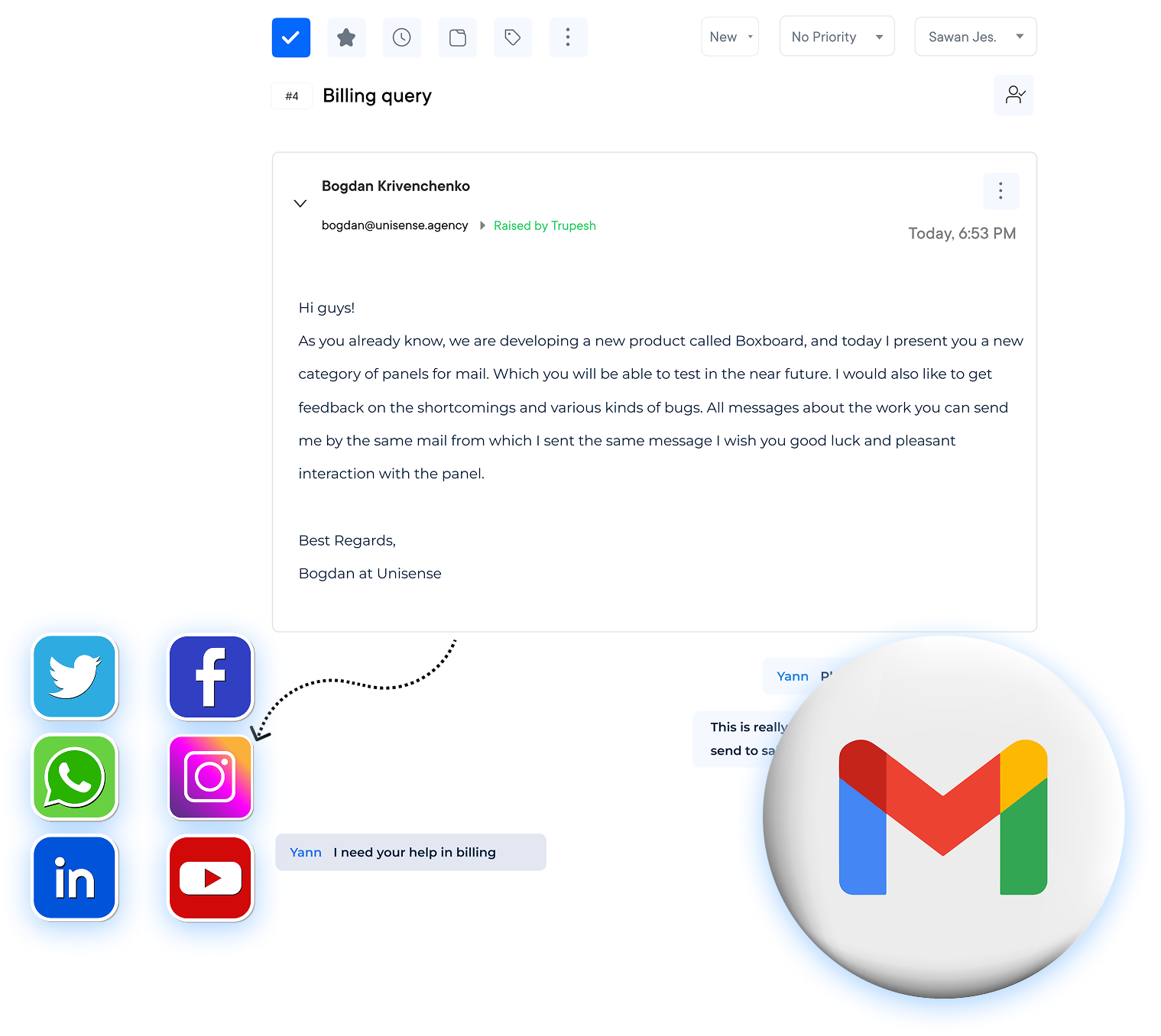
Utilize an advanced helpdesk chat tool to improve communication within the team. It ensures that users are satisfied with the support they receive.
Create seamless customer experiences by providing support across all channels. Allow the customers to engage with the business in the way that is most convenient for them.
Increase productivity and accuracy by implementing intelligent workflow automation. It streamlines processes and ensures that tasks are completed efficiently.
Gain valuable insights into customer interactions and team performance through robust analytics. Leverage the insights to make data-driven decisions and optimize operations.

Managing team emails across multiple inboxes seems an easy task until you have missed messages, delayed responses and poor customer experience. These inefficiencies are bound to affect business as they reduce team productivity and increase response times. The result? A hampered customer satisfaction and revenue.
Shared inbox software is a centralized platform that allows teams to manage, assign and respond to emails collaboratively from a single interface.
We’ll be looking at the best shared inbox tool, including key features, pricing and use-case-based recommendations to help you choose the right solution.
Shared inbox software refers to customer conversation management software. It handles customer inquiries in a unified manner for shared email addresses like support@mycompany.com. The team inbox solution emerges as a tailored remedy, catering to customer service teams of all magnitudes.
A shared email tool assumes the role of a rudimentary customer management system. The facet allows for contact storage and seamless integration with assorted applications.
Team inbox software acts as a central hub for collaboration ensuring that every conversation is organized, transparent and efficient. It also integrates various communication channels like emails, chats and social media messaging into collaborative inbox.
Choosing the right shared inbox software can be overwhelming with a plethora of options available. Here are some top shortlisted software for team inbox:
| Software | Price |
Free Trial/Plan | Key Features |
| Veemo Support | $29/month | 14-day free trial |
|
| Omni24 | $29/month | 14-day free trial |
|
| HubSpot | $45/month | Free version |
|
| Kayako | NA | NA |
|
| Helpmonk | $19 per month | Free 30-day trial |
|
| ClientFlow | $19 per month per user. | NA |
|
| Hiver | $15 per user per month | Free 7-day trial |
|
| Cerb | $35/seat-month (billed monthly) | Free version |
|
| DragApp | $8 per user/month | 7-day free trial |
|
| SupportBee | $13 per user/month | 14-day trial |
|
| Front | $59 per seat/month | Free Trial |
|
We have shortlisted the best team inbox software based on their features and use cases. Here are 11 best-shared inbox software and tools.
Best collaborative inbox software for omnichannel customer support
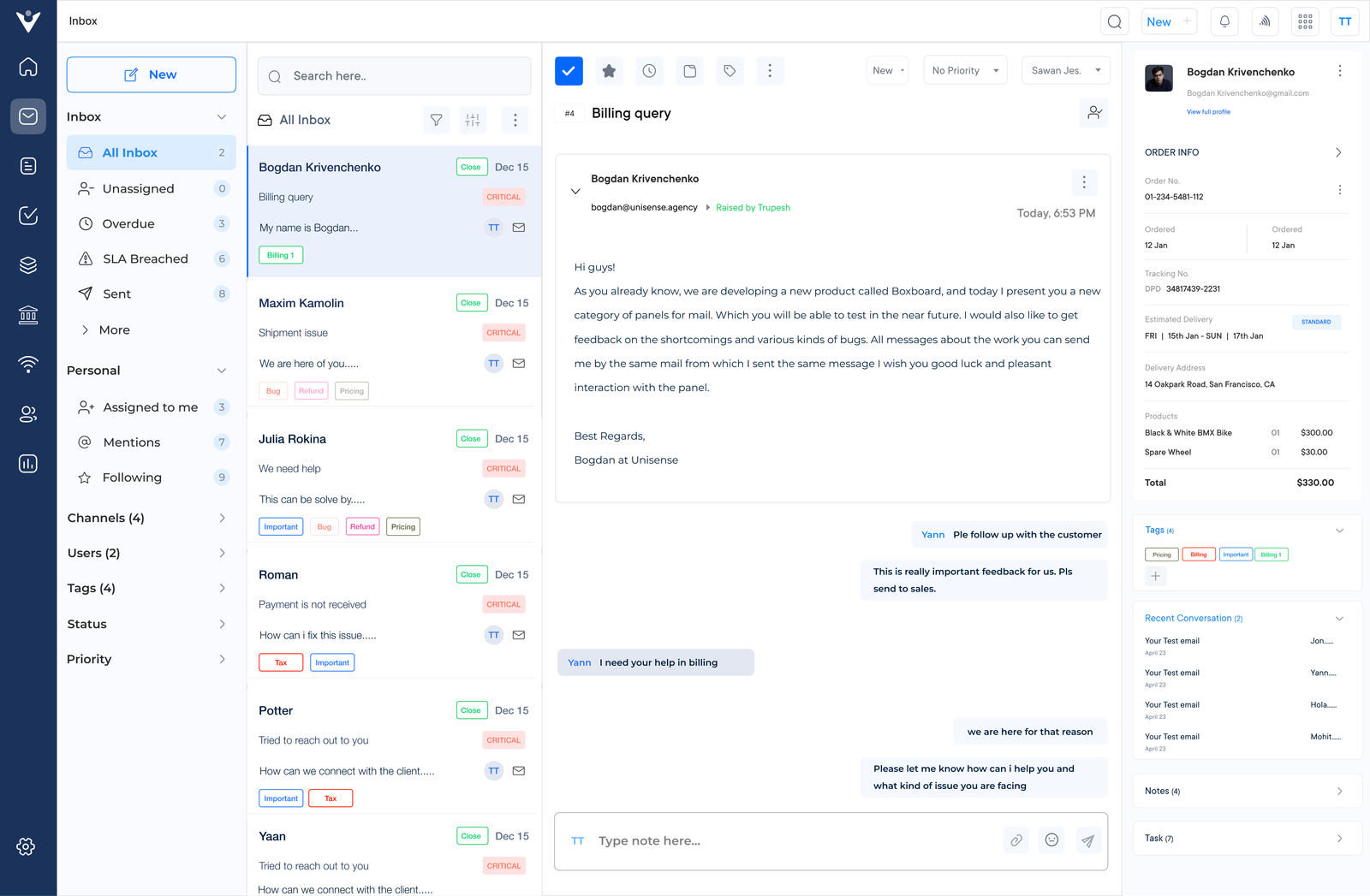
Veemo Support is an omnichannel customer service software. It provides a shared team inbox that centralizes all communication channels in one platform. Veemo allows teams to easily manage emails, social media messages and other communication channels in one place. It eliminates the need to switch between multiple platforms.
Veemo Support goes beyond message consolidation by transforming scattered conversations into an organized workflow. Teams can assign conversations to other members, add internal notes as well as track resolution status to prevent duplicate replies and ensure no customer message gets missed.
Key features:
Pricing: There are four different plans ranging from $29 to $129. Visit Veemo’s pricing page for more insights.
Top team inbox software for multichannel engagement
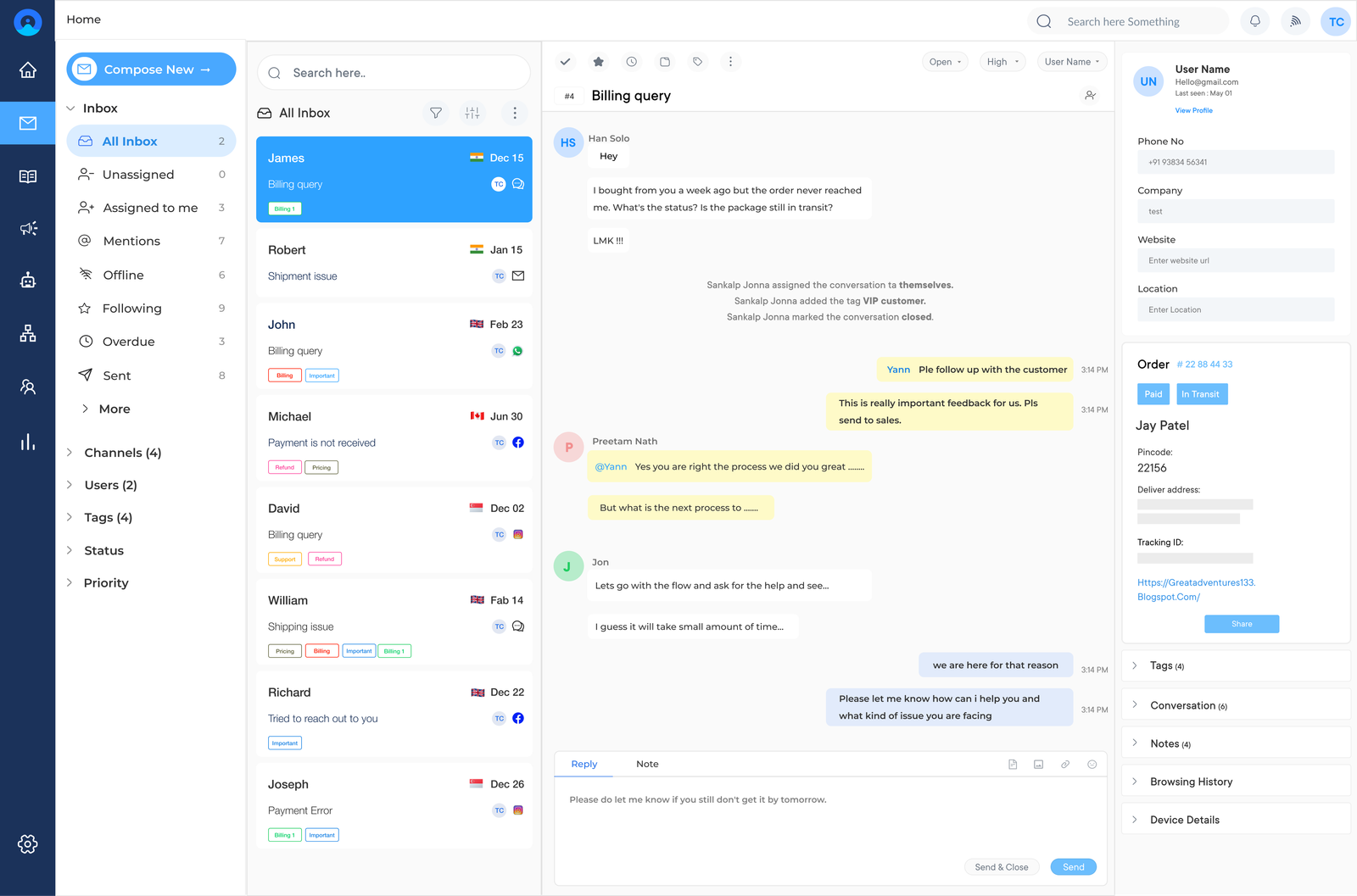
Omni24 is an AI-powered customer engagement platform that unifies three suites support, sales, and marketing into one unified place. Its shared team inbox enables support teams manage all customer communication from various channels, while streamlining workflow.
Agents can use Omni24’s shared inbox to avoid duplicate replies since internal notes and automated routing rules make it clear exactly who has ownership of each conversation. This transparency keeps collaboration smooth even as email volume scales.
Key Features:
Pricing: The pricing starts from $29/month with one inbox feature and goes up to $149/month for unlimited inboxes. Check out their pricing page for more detailed information.
Collaborative inbox solution for simplified email management
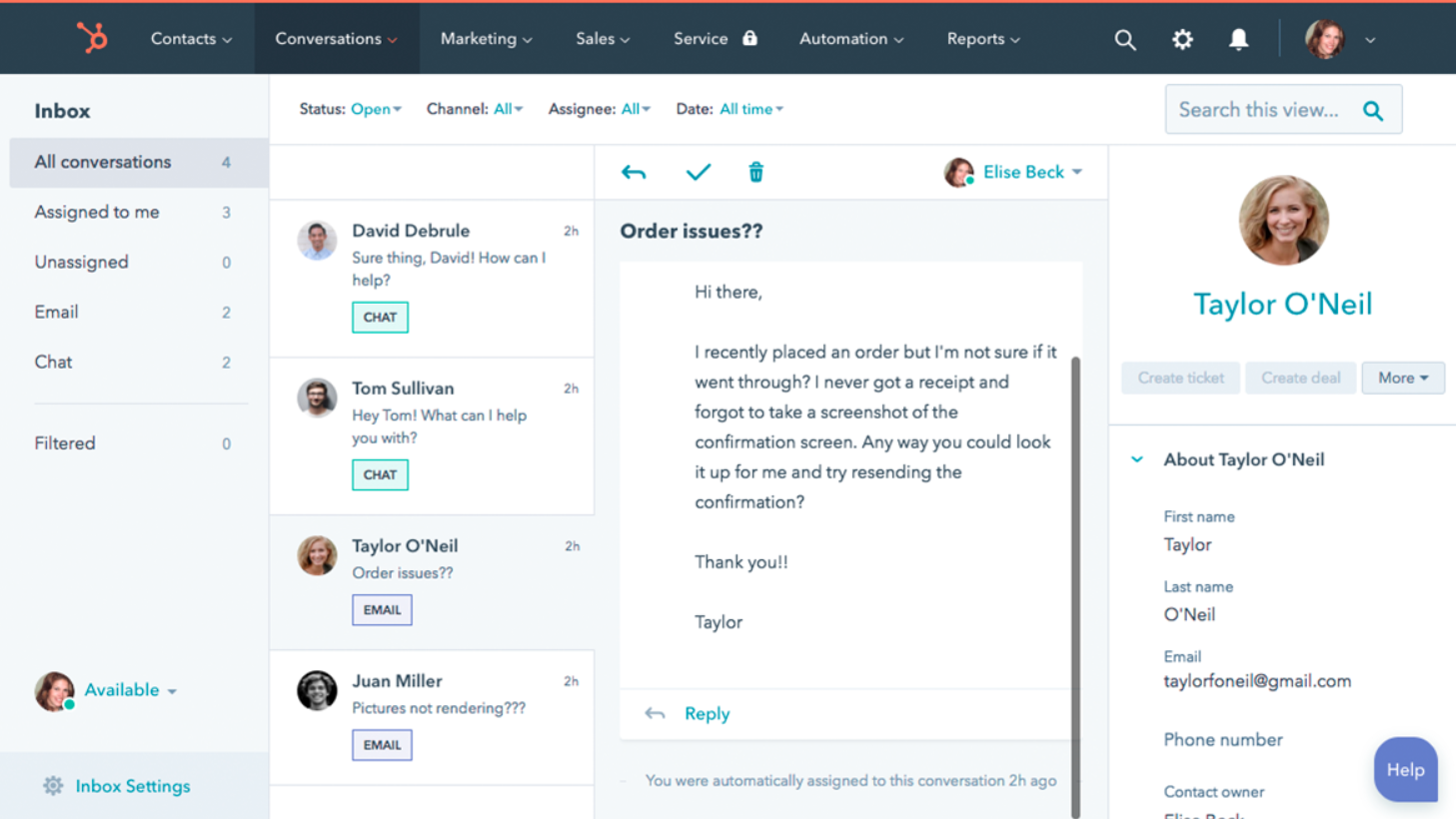
HubSpot manages team email addresses by connecting to a single inbox making collaboration effortless, easy and more efficient. The team can quickly and efficiently answer the queries received in the shared inbox. The tool makes it easy to manage emails by preventing slipping one through the cracks.
Organizations can use HubSpot’s routing rules to increase efficiency and automate most of the redundant work. The software can help the brand deliver personalized messages based on the existing contact information. It increases the effectiveness of the email management.
Robust support email inbox to boost team productivity
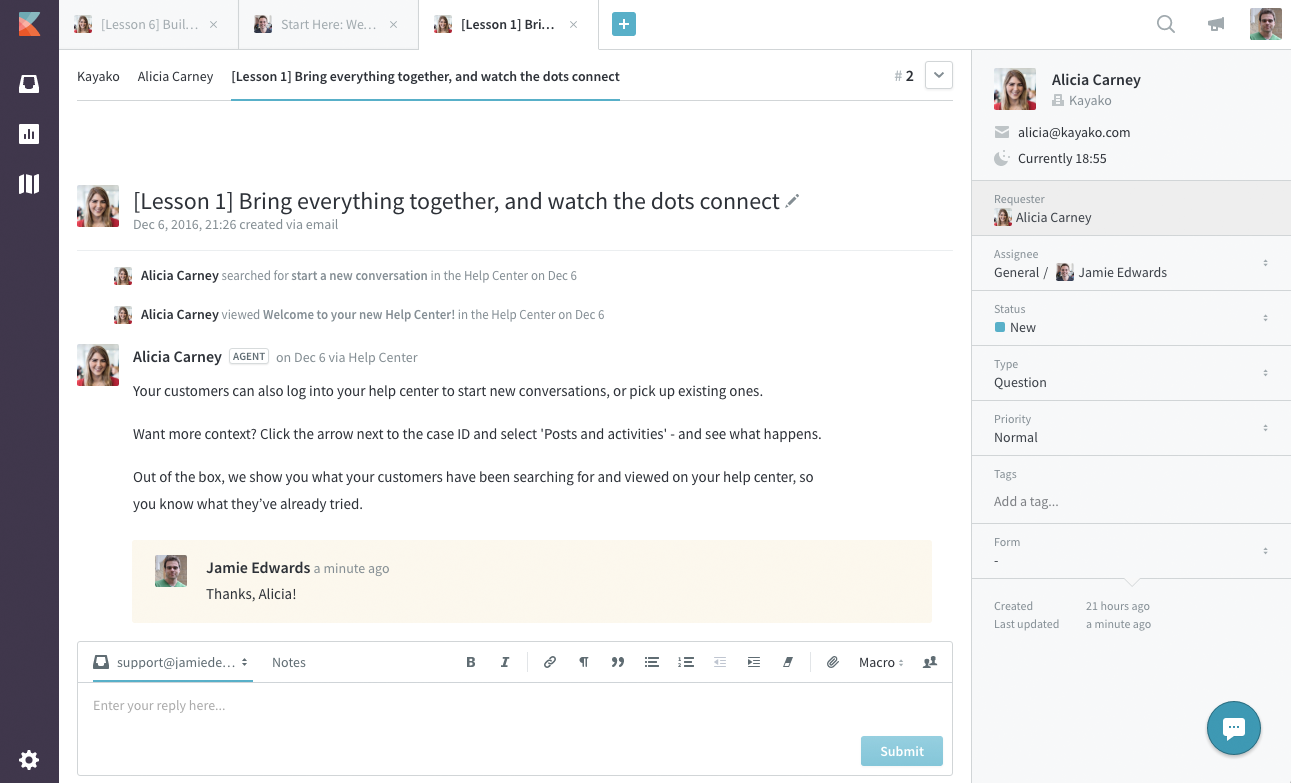
Kayako is a professional team inbox tool that can collect all support conversations in one dashboard, making it easier for team collaborations. It can anatomically help assign email tickets to the support team based on the content and improve the team’s productivity. The software also offers effective internal communication to ensure the team delivers the best customer experience.
Companies deliver personalized and proactive support which can help improve email communication with customers. The features like Single View provide a timeline of interaction history and can optimize the conversations. Why businesses are exploring top Kayako competitors.
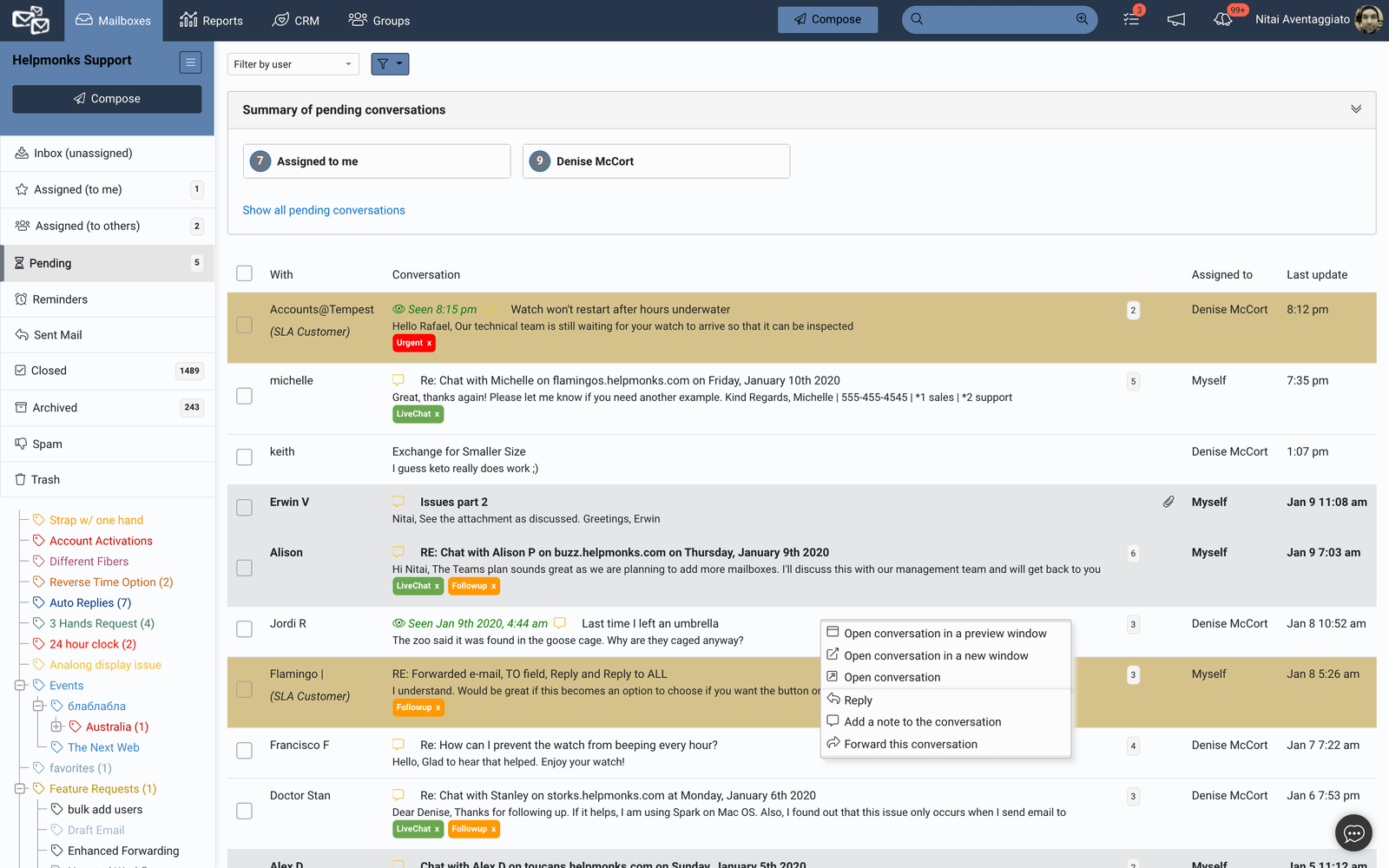
Helpmonk can help collaborate in the collaborative inbox and boost team productivity.
Organizations can delegate email management work and add private notes to emails for smooth internal communication. The software offers collision detection which can help prevent duplicate replies and ensure the organization doesn’t deliver a poor customer experience.
The advanced contact management feature can enable the workforce to deliver personalized experiences. It helps resolve queries by analyzing their previous history. It offers Automated responses, Auto-tagging and Email assignments.
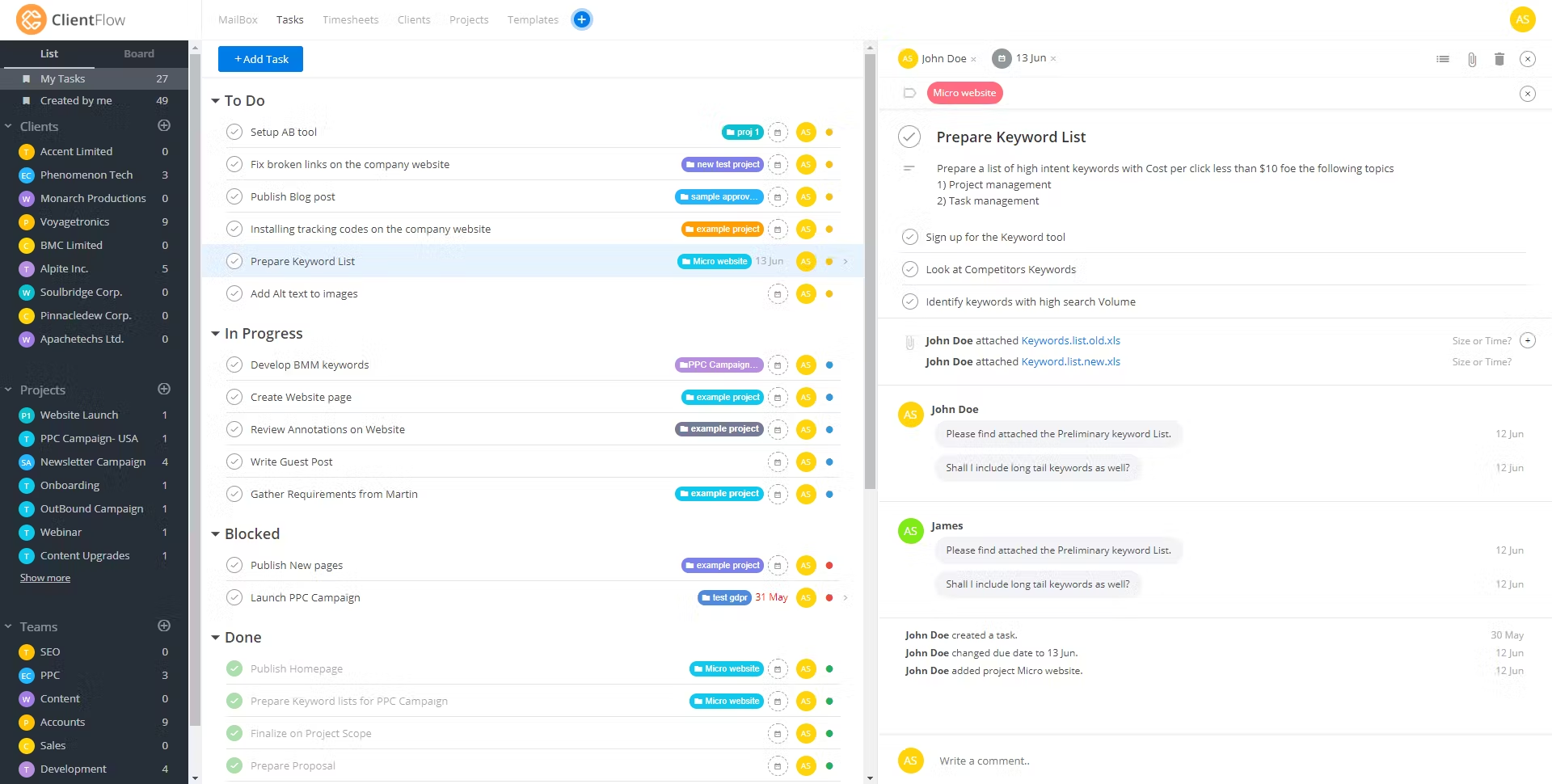
Advanced software helps to transform collaboration with the team and seamlessly supports clients with a team inbox. It improves email communication with personalized conversations to deliver a quality customer experience. The brand can also improve the in-house team conversations by linking shared email accounts and streamlining support service productivity.
The mailbox tool also offers collision detection, centralized control and different message templates to help handle common client queries. The brand can use different client communication and project management tools on a single platform. It helps escape the hassles of switching between platforms.
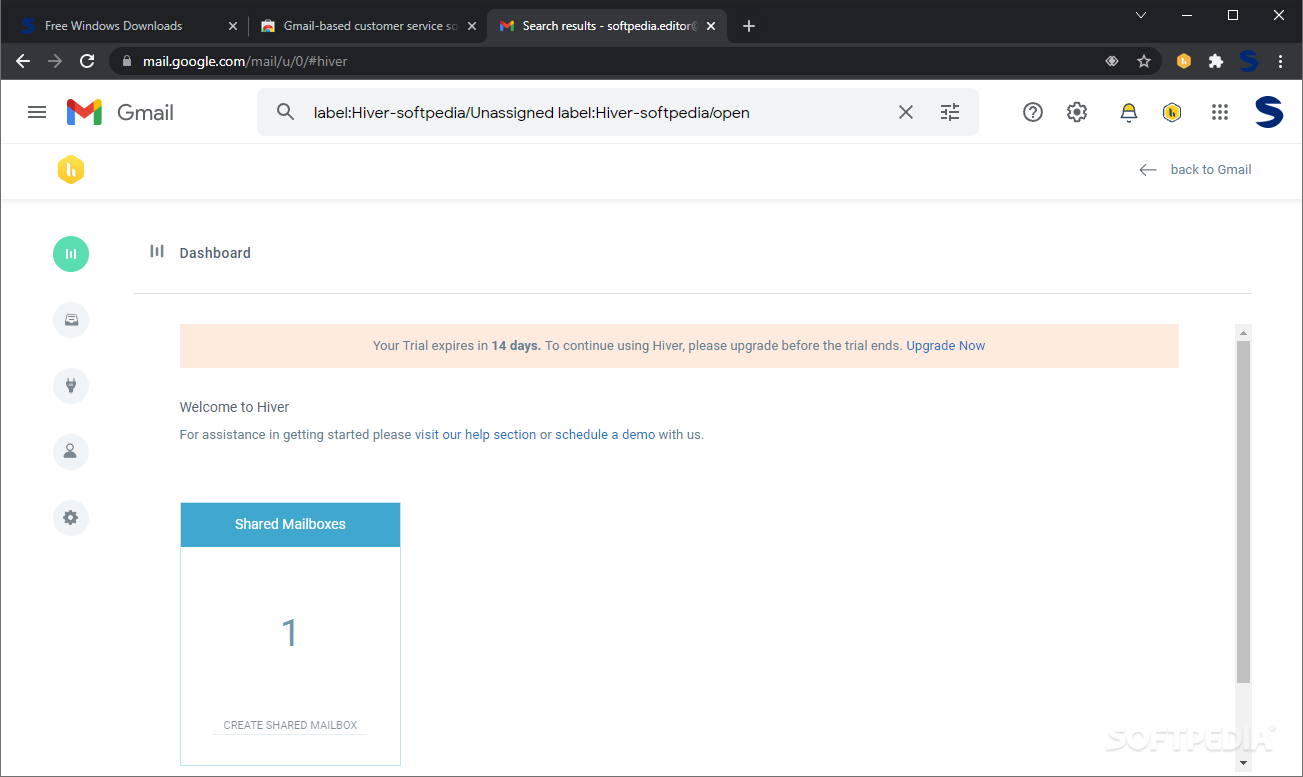
Improve the Gmail help desk with Hiver and deliver a personalized customer service experience for customers. Over 1500+ companies trust the tool to streamline email support and strengthen their position in the industry. Companies can manage customer conversations at scale ensuring it stands out. The team can collaborate, track and manage email queries with finesse.
Companies can explore multiple advanced software features like tags, internal conversations, automation and other typical shared inbox capabilities. It helps to delegate tasks and simplify tracking email progress to handle requests on time.
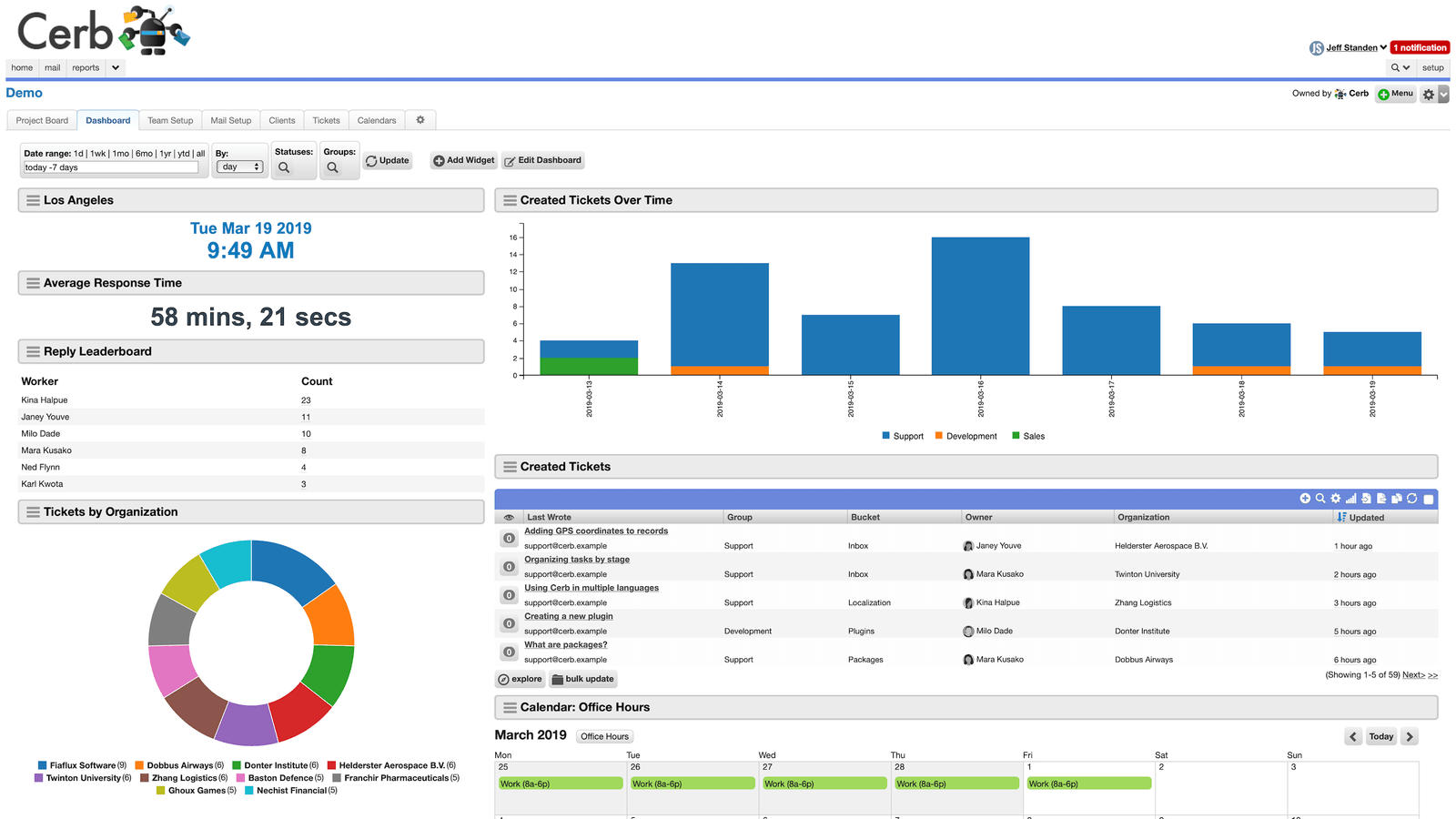
The tool can streamline enterprise communication and automate email workflows for better business results. The flexible data warehouse can help collect contact data and ensure the team uses the data for delivering personalized communication. It can help automate responses, minimizing the time and effort invested by the support team.
The software offers different advanced features like graph-based searching and workflow builder to minimize the hassles of email support management. The business gets the freedom to highly customize email inboxes to improve the customer service experience.
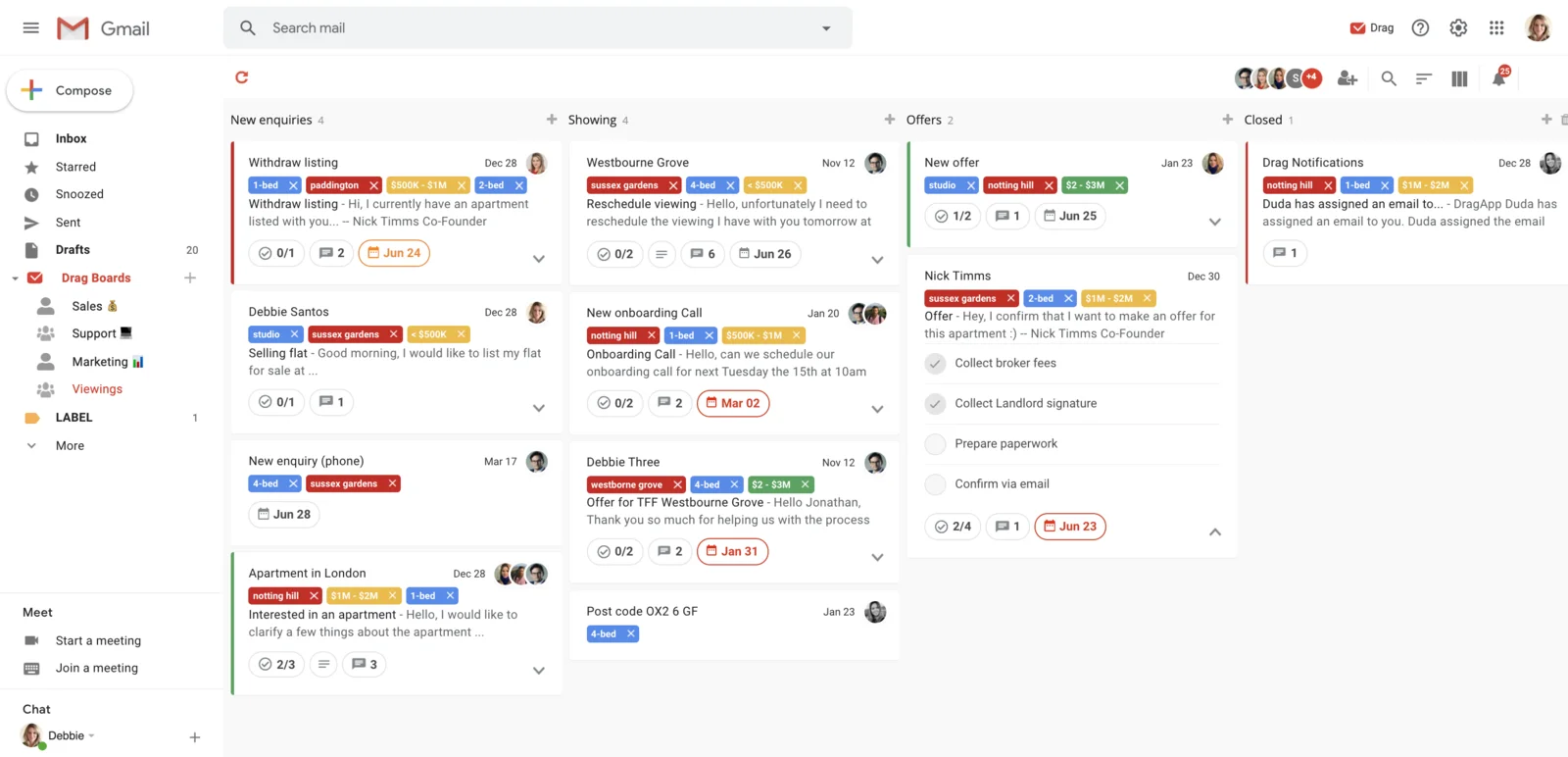
Dragapp is one of the leading shared inbox solutions to help teams avoid shifting from one tool to another for managing email support services.
The brand can organize work with features like note addition, schedule deadlines and managing to-do’s. The business can simplify workflows and strengthen the existing support ecosystem for better business results.
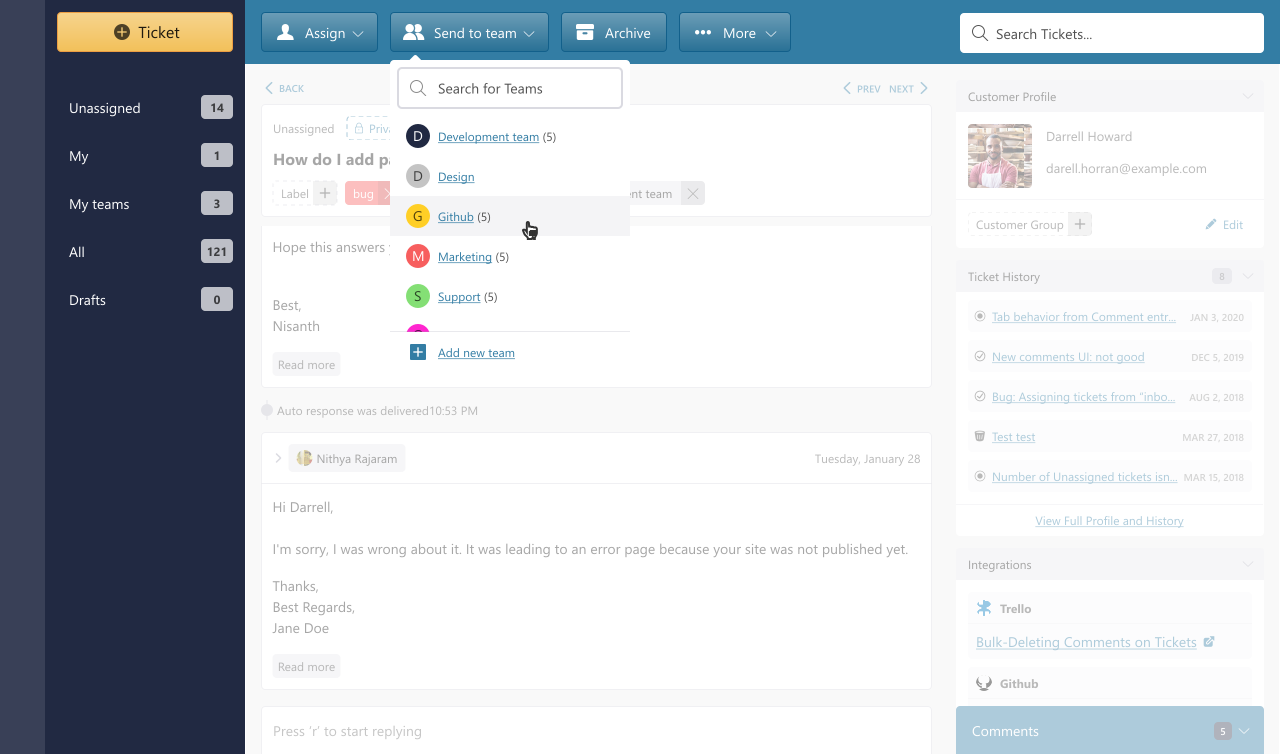
The powerful software for effortless email collaboration can help the brand
The software offers lightning-fast results, which can help team boost their productivity and ensure they manage their workflows with finesse. Effective internal communication support can help with great decision-making and deliver a quality customer experience. The brand can try out the 14-day trial and experience the software.
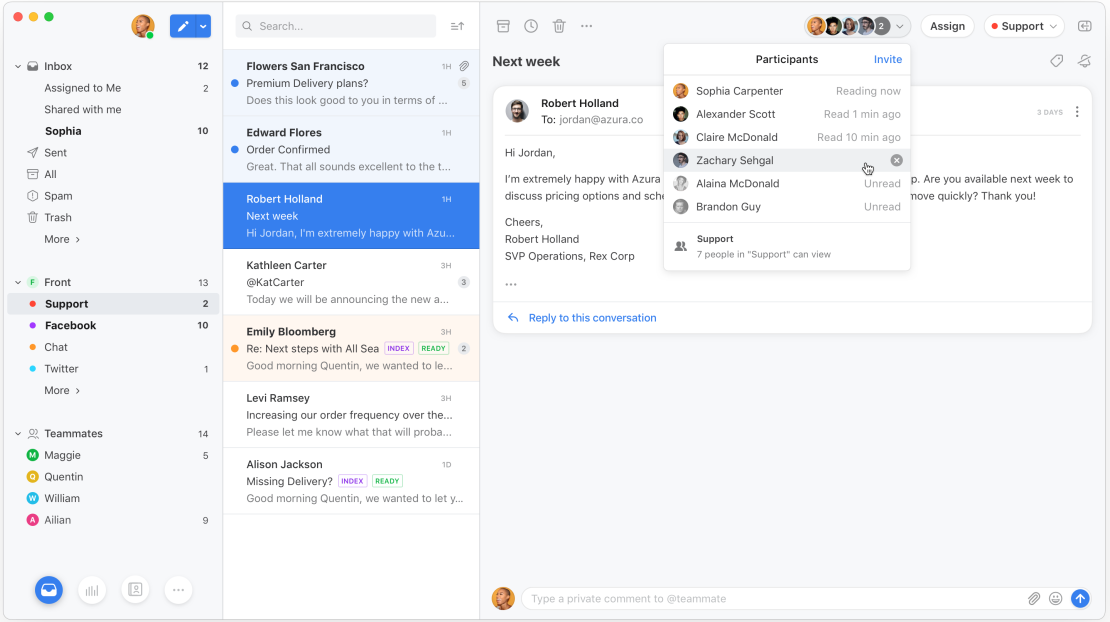
The Front offers advanced features that enhance efficiency and organization. Its intelligent routing system, emails and messages are automatically assigned to the right team member.
Front allows team members to collaborate internally on emails, enabling them to discuss, draft responses and provide feedback in real-time. The collaborative approach ensures that responses are accurate and consistent.
Choosing the right shared mailbox tool is essential for effective communication. We will discuss the key factors to consider when selecting shared mailbox tools to help make informed decisions.
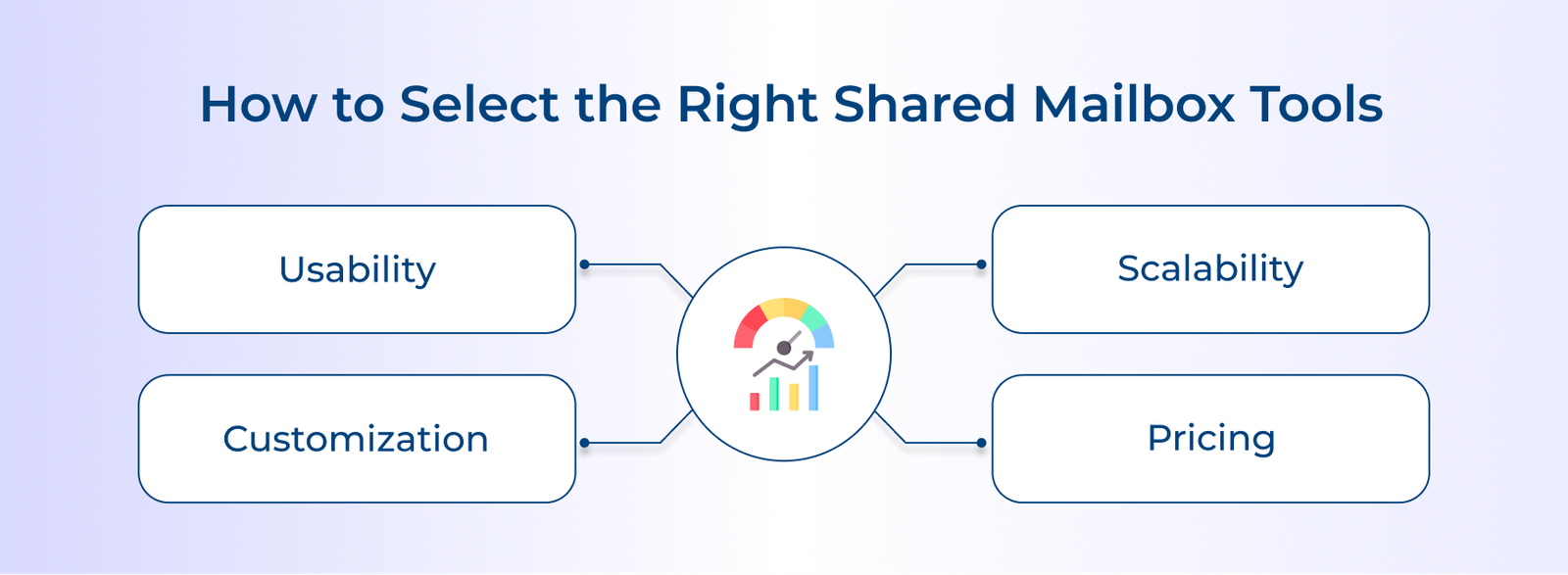
The usability of the software impacts the results that can be derived from it. Ensure it’s easy to use and less complicated than existing systems while picking the best-fit tool for the team. Try accessing the free version or going through customer testimonials to get the desired outcomes.
Organizations must ensure that the software can handle email inquiries at scale to assist the business’s growth and success. Integrating a new system implies that the organization wants to upgrade the existing workflows and boost the business scale. The software must help the brand in the process.
More customizations and access to deliver a personalized customer service experience improve the support quality. The more software is configurable, it proves to be the best fit for the business to achieve the desired business outcomes. The right shared inbox software allows the brand to tailor and customize the software according to the preferences.
Most team inbox software is priced on a per-user basis. It’s ideal to analyze the cost of the software based on the requirements. Ensure that the software fits the budget and delivers the required results for transforming email management operations.
Consider how well the shared mailbox software integrates with other tools the team uses, such as project management software, CRM systems or communication tools. Seamless integration will help improve productivity and streamline workflow.
Ensure that the shared mailbox tool offers collaboration features such as assigning emails to team members, adding comments and tracking the status of each email. It will help streamline communication and ensure tasks are completed on time.
Shared inbox software centralizes team email management, enabling multiple agents to collaborate on customer conversations from one unified platform.
1. All Emails Flow Into One Central Place
When a customer sends an email, the software captures it and makes it visible to the entire team immediately. No single person receives it privately. Every team member can access and view conversations in real time, ensuring nothing gets missed or lost.
2. The Right Person Gets Assigned to Each Conversation
Once an email arrives, the software routes it to the most suitable agent using predefined rules or manual assignment. It establishes clear ownership over every conversation. Teams avoid duplication and every customer connects with someone genuinely equipped to resolve their concern.
3. Teammates Collaborate Internally Before Responding
Before replying, agents can attach private internal notes directly within the conversation thread, completely hidden from the customer. The teams can consult colleagues and share context. Every customer-facing response becomes more informed, accurate and aligned with the team’s collective knowledge.
4. Automation Manages Sorting and Routing at Scale
As emails arrive, the software scans each message. Then automation rules are applied to categorize, prioritize and route it appropriately. Billing queries reach finance, technical issues go to support. High volumes are handled efficiently without requiring any manual sorting or redirection throughout the day.
5. Every Conversation Is Tracked and Measured End to End
From the moment an email is received until it is resolved, the software records every action taken within that conversation. Managers monitor workload and response times. Organizations identify inefficiencies early and make informed decisions to consistently improve the quality of customer communication.
We reviewed the top features of shared inbox solutions that can help improve team collaboration, boost productivity and simplify email management.
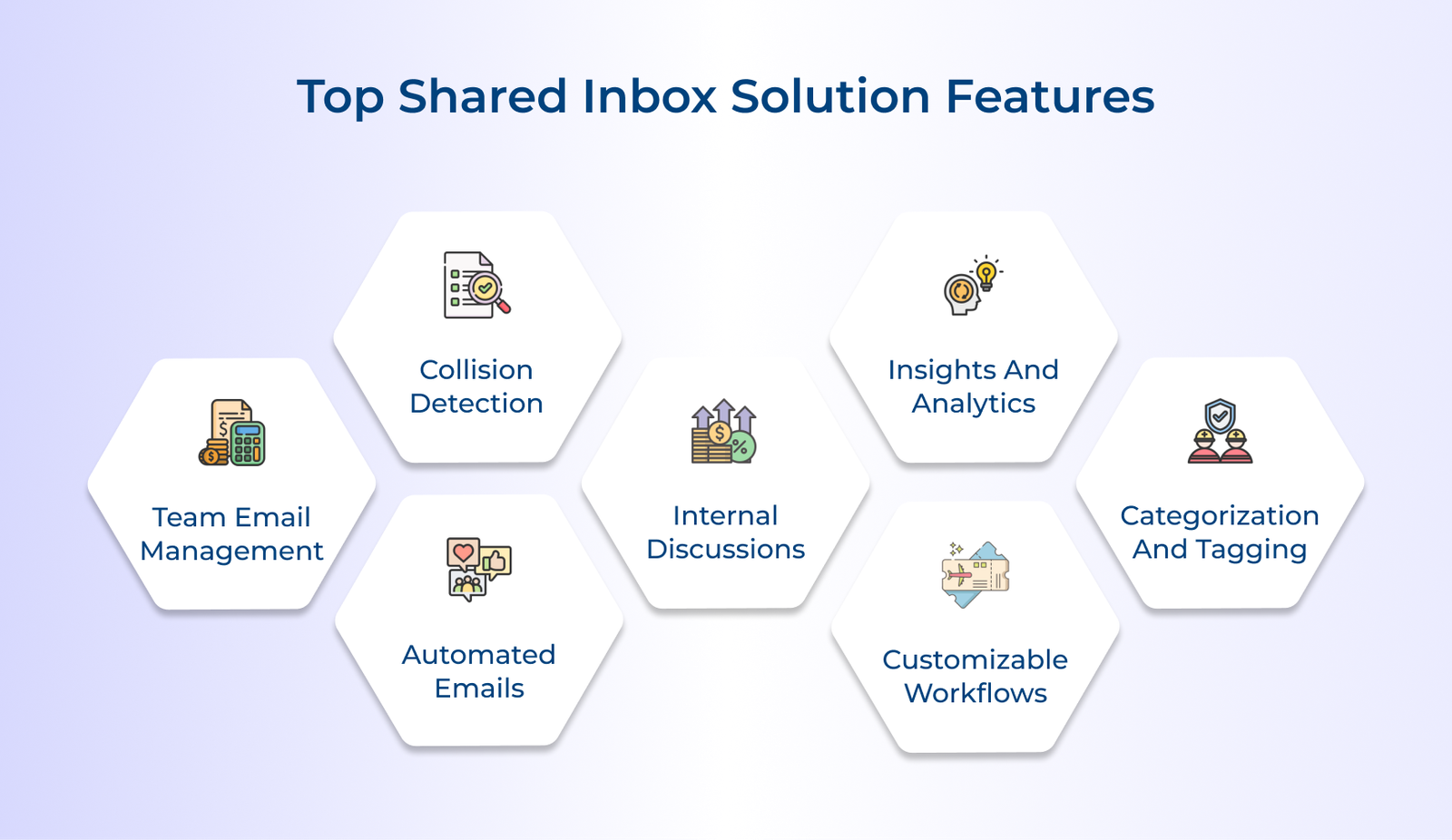
A shared inbox is a great tool for customer support as well as increasing the team’s productivity. For actionable tips on setup, workflow, and best practices, check our team inbox guide. Businesses can improve their team’s transparency to ensure they don’t face the issues of logging in from multiple accounts. It helps to switch between screens to respond to emails.
Collisions may occur when the team members respond to the same customer query with different solutions. It can hinder customers’ quality experience and showcase unprofessional behavior from the brand. Veemo’s professional team email management software can automatically avoid collisions. It converts emails into support tickets assigned to different team members.
The team might encounter similar queries or repetitive tasks. Manually responding to all queries can increase efforts and minimize the workforce’s effectiveness. Different leading collaborative inbox software offers canned responses and templates that help automate the replies. It saves the employees time and effort.
Leading team inbox solution offers an important internal discussion or note-creation feature. It can enable sharing of relevant information about an email through notes or comments. Based on the notes different departments can handle support requests effectively.
A data-driven company stands out from other traditional companies in terms of results. Choosing a professional tool with effective analytics and reporting features can help unlock the maximum potential of the customer support team. It can help optimize business operations and cover areas of improvement.
Team inbox software can be customized to fit the specific needs and workflows of different teams. The flexibility allows teams to create workflows that work best for them, ensuring that emails are handled efficiently.
Shared team inbox software allows users to categorize and tag messages based on priority, sender, topic or any other relevant criteria. It makes it easier to prioritize tasks and ensure that important messages are addressed promptly.
The following section highlights why businesses can benefit from using a shared inbox solution. For more strategies and examples, see our shared inbox guide.
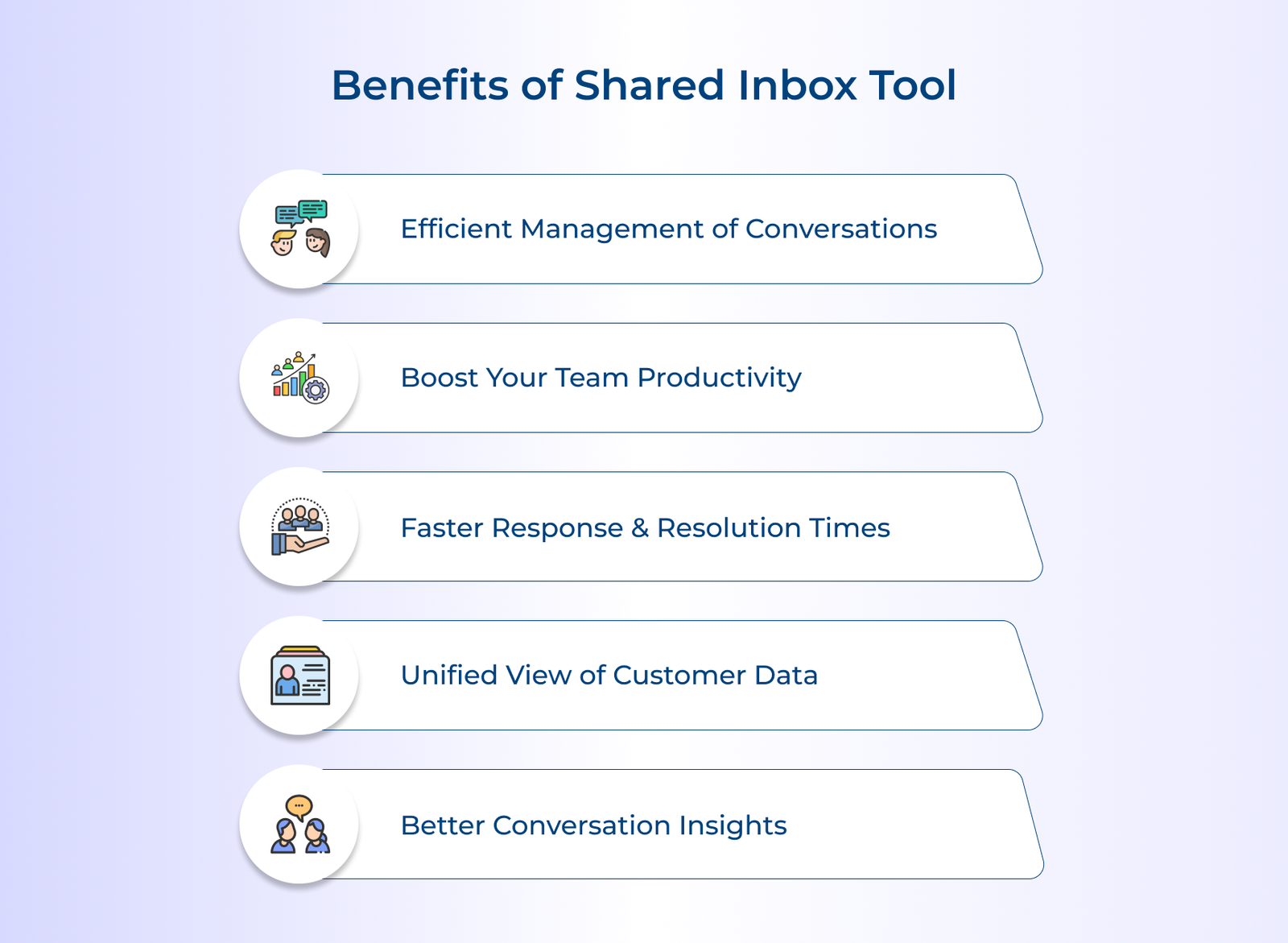
Efficient collaboration is the key to success. Shared inbox software empowers teams to work together seamlessly, streamlining communication. Team inbox enhances accountability by centralizing all incoming messages, assigning tasks and providing real-time visibility. It leads to faster response times and improved customer satisfaction.
The powerful tools equip teams with the resources they need to deliver exceptional service consistently. Embrace collaborative inbox software and experience the transformative power of collaborative customer support. It helps enhance productivity, efficiency and business growth.
Managing emails using a shared inbox tool can streamline communication within a team. Assign tasks, track progress and collaborate on emails in one centralized platform. Features such as tags, comments and real-time updates allow teams to collaborate while staying organized.
Collaborative shared inbox software is considered secure if proper security measures are taken. Features such as end-to-end encryption, user authentication and access controls help protect sensitive data.
Choose a reputable provider that prioritizes data security and compliance with regulations. Regular updates and employee training on security best practices are also crucial for maintaining a secure shared inbox environment.
A good shared inbox tool can connect with existing system already rely on, making it easy to centralize communication without disrupting existing workflows. This reduces the need to switch between multiple apps, leading to time savings and ensuring customer conversations stay synced across your entire tech stack.
The customer support team can read and send emails through a shared mailbox. A shared inbox tool can also automate common responses to minimize the hassles. It improves the speed and the quality of customer support service. The software can minimize the complications of the support team using a single email address to address customer issues.
Yes, shared inbox software tools are designed to accommodate multiple teams within an organization. Each team can have its separate inbox while still sharing the benefits of centralized communication and collaboration. The feature is particularly useful for large organizations with multiple departments or teams working on different projects simultaneously.

Grow Customer Relationships and stronger team collaboration with our range of products across the Conversational Engagement Suite.
Omnichannel Customer Support & Help Desk Software
AI Enabled Business Messaging and Chatbot Software
Sales Engagement & CRM Software
Call Center Software & Virtual Phone System
Product Marketing & Experience Platform
Customer Experience & Feedback Management Software