Status Page

Status Page Guide: Types, Features & Tools

Keep customers updated during any disruptions or system maintenance to reduce support tickets. Learn how to keep users informed, boost transparency and improve incident management with a powerful status page

No credit card required. Easy setup

Status Page

Trusted by Leading Brands

Proactively Manage Incident Communication with the Status Page

The status page minimizes user frustration, reduces support load and enhances the user experience. Now turn potential disruptions into opportunities to strengthen customer relationships and maintain proactive communication.

Incident Management

Track outage incidents to quickly identify the root cause and determine how long before systems are back up. Businesses can document and investigate the root cause of each outage incident.

Real Time Notifications

Receive instant notifications when an incident occurs within any application or service from multiple channels such as email, text message, Slack and more.

Showcase Reliability

Turn a page into a sales or marketing tool for prospective customers. It helps businesses differentiate themselves from competitors and attract customers.

Analytics & Reporting

Easily visualize incident trends with reporting tools that quickly identify patterns in downtime behavior. The easy visualization of data makes it easier to analyze incidents.

Custom Incident Templates

Create incident templates to save time and effort when communicating outages or planned maintenance. Using pre-design templates ensures quick communication with customers.

History Tracking

Track detailed histories of services like keeping a record of all the activities and events. It also includes any relevant incidents, maintenance, resolutions and time logs.

Service disruptions can have severe consequences for businesses and their customers. Lack of clear communication during such incidents can lead to frustration, loss of trust and potentially significant financial losses.

The status page is a powerful tool that enables businesses to keep their customers informed about the current state of their services. It provides a centralized hub for updates, incident reports and maintenance schedules. Let’s explore the benefits of implementing a robust status page.

What is Status Page?

A status page is a centralized web resource that communicates the real-time operational health of a system, service or application. It informs customers about the real-time functioning of the system, whether it is operating normally or experiencing disruptions.

This acts as a trust layer between a business and its customers, which reduces support tickets while keeping everyone informed during incidents, maintenance or performance degradations transparently.

Key objectives:

  • Transparency: Provide real-time visibility into system performance without hiding issues from users.
  • Reduced Support Load: Deflect repetitive queries by giving users a self-service source of truth.
  • Faster Incident Communication: Notify affected users during outages to minimize confusion and frustration.

Type of Status Page

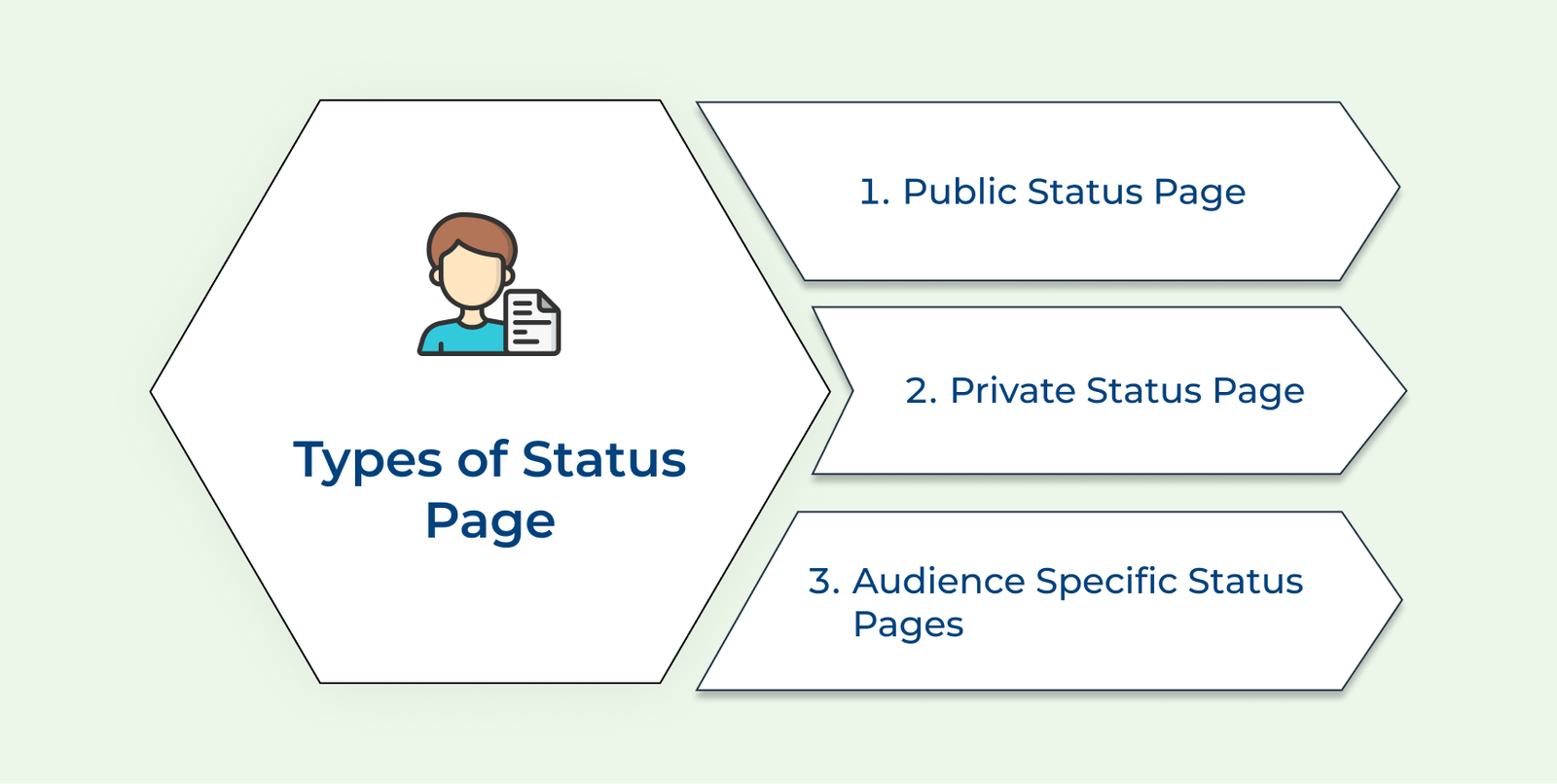
Businesses have several options to choose from when it comes to the status page. Let us take a look at the three common types of it:

Types of Status Page

1. Public Status Page

A public status page is designed to be accessible to anyone, including customers, partners and the general public. It serves as a transparent communication channel, providing real-time updates on service availability, outages and planned maintenance.

The page is particularly beneficial for companies with a large customer base or those operating in highly visible industries. Businesses can build trust by being open and honest about their service status.

2. Private Status Page

A private status page is accessible only to a select group of individuals or organizations. It is often used by companies to communicate internally with employees or specific clients.

Private status pages offer a secure and controlled environment for sharing sensitive information that may not be suitable for public consumption. They can also be useful for organizations that handle confidential data or have specific compliance requirements.

3. Audience-specific Status Pages

Audience-specific status pages take a more targeted approach, catering to the unique needs of different stakeholder groups. Let’s assume that a company may have separate pages for customers, partners and internal teams.

The approach allows for tailored communication, ensuring that each audience receives relevant and contextual updates. Audience-specific status pages can be particularly valuable for organizations with diverse product lines or services. They can provide granular information about specific components or offerings.

Key Features to Look for in a Status Page Software

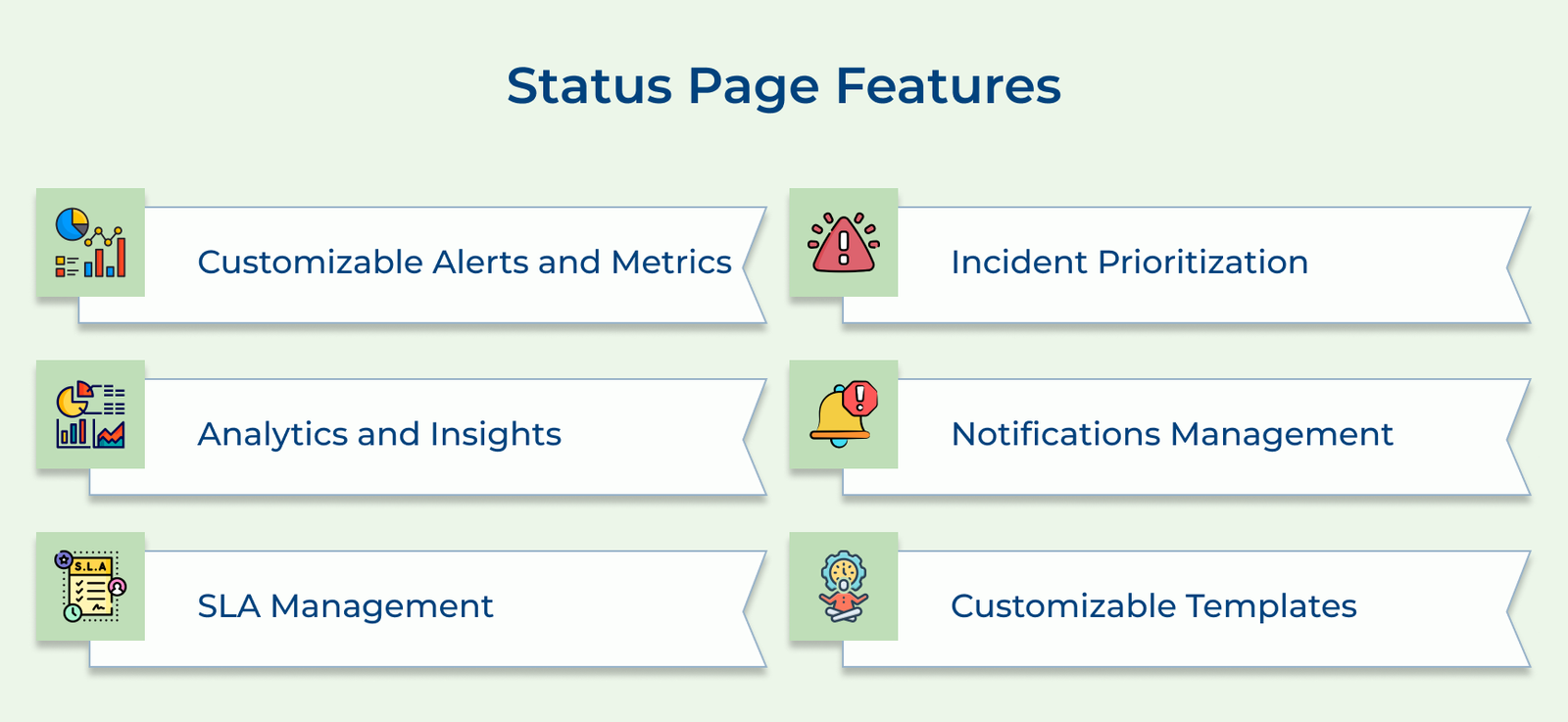
Not all such pages are created equal and choosing one with robust features can make a significant difference. Here are some key features to look for in a status page solution:

Status Page Features

1. Customizable Alerts and Metrics

A good status page should allow the brand to define and monitor custom metrics. It sets alerts based on the brand’s specific needs. The brand can track the performance indicators that matter most to businesses and receive timely notifications when issues arise.

2. Analytics and Insights

Advanced status pages offer valuable analytics and insights into incident management processes. The data can help identify bottlenecks, optimize response times and continuously improve incident resolution strategies.

3. SLA Management

Service Level Agreements (SLAs) are critical for businesses that provide services to their customers. A status page with SLA management capabilities can help monitor and report on SLA compliance.

4. Incident Prioritization

Efficient incident management requires the ability to prioritize incidents based on their severity and impact. This is where incident management software plays a crucial role, often working in conjunction with status pages. Look for a status page that allows the brand to categorize incidents and assign priorities. It enables the team to focus on the most critical issues first.

5. Notifications Management

Keeping stakeholders informed is crucial during incidents or maintenance windows. A robust status page should offer flexible notification management options and allow the brand to choose the channels for different types of updates.

6. Customizable Templates

Every organization has its own branding guidelines and communication preferences. A status page solution with customizable templates enables the brand to tailor the look. It helps to customize the content and tone of the incident updates to align with the brand.

What Are the 7 Best Practices for Implementing a Status Page?

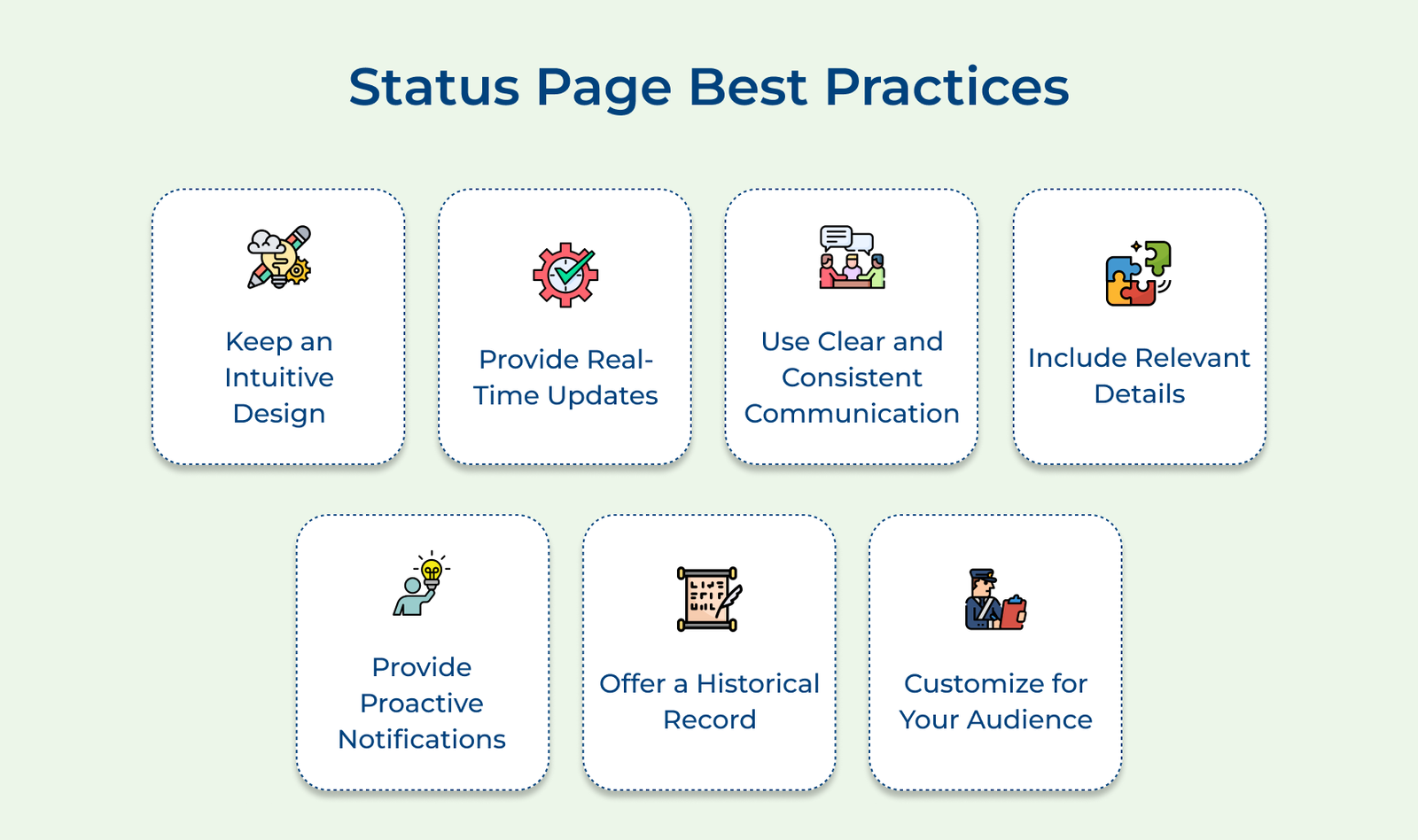
There are a few key best practices that should be followed to ensure the status pages are beneficial for both users and organizations. They are as follows:

Status Page Best Practices

1. Keep an Intuitive Design

When users visit a status page they are typically looking for quick and easily understandable updates on the status of the services they rely on. They want to know if there are any issues or incidents that may affect their experience. It is crucial to present the information in a straight forward easily digestible format.

How to implement:

  • Conduct user testing to identify areas of confusion and iteratively simplify the design.
  • Implement a consistent layout and design across all components of the website status page, ensuring a cohesive experience.

2. Provide Real-Time Updates

Providing real-time updates is crucial for an effective status page. It ensures that users have access to the most current information about system status. Implement real-time monitoring and alerting systems that can automatically detect issues as they occur.

Establish clear expectations for update frequency whether it’s every 15 minutes, hourly or based on specific event triggers. Consistent updates build trust and transparency with users.

How to implement:

  • Leverage real-time monitoring tools and integrate them with the status page platform.
  • Automate the update process as much as possible to minimize manual intervention and delays.
  • Implement a robust communication plan to ensure that relevant stakeholders are notified promptly and can contribute to updates as needed.

3. Use Clear and Consistent Communication

Using clear and consistent communication is crucial. Avoid technical jargon or ambiguous language that might confuse or mislead users. Opt for straightforward language that conveys the message effectively.

Maintain a consistent tone throughout an internal status page to ensure a cohesive and professional experience. It helps build credibility with users and make sure to provide translations so that everyone can access and understand the information.

Pro tips:

  • Develop a comprehensive style guide that outlines the preferred tone, language and formatting for all status page communications.
  • Create pre-written templates for common scenarios or incident types. It ensures that the language remains consistent and clear even during high-pressure situations.

4. Include Relevant Details

When including relevant details on a website status page it’s crucial to describe the issue and its impact clearly. Provide specific information about what systems or services are affected, the severity of the disruption and how it impacts users. Offer estimated resolution times even if they are rough approximations.

Suggest workarounds or temporary solutions if possible to help users mitigate the impact until the issue is resolved. It not only demonstrates proactive support but also empowers users to continue their work or activities with minimal disruption.

Tips:

  • Establish clear guidelines and templates for incident reporting, ensuring consistent information is provided.
  • Implement a robust monitoring system to identify issues early and provide timely updates on their resolution progress.

5. Provide Proactive Notifications

Providing proactive notifications is a crucial best practice for an effective status page. It ensures that users are promptly informed about any incidents, outages or updates. It enables them to take necessary actions and minimize the impact on their operations.

Offering subscription options for status updates allows users to stay informed through their preferred communication channels. Integrating with email, SMS or messaging platforms ensures that notifications reach users promptly. Customizing notification preferences empowers users to tailor the frequency, severity level and type of updates they receive.

Tips:

  • Invest in a reliable and scalable notification infrastructure that can handle large volumes of notifications without delays or failures.
  • Allow users to customize their notification preferences such as choosing specific services, severity levels or update types to avoid notification fatigue.

6. Offer a Historical Record

Maintaining an archive of past incidents on the status page is crucial for transparency and continuous improvement. Including resolution details can help businesses provide users with valuable insights and demonstrate their commitment to addressing issues. The historical data allows users to reference previous occurrences and track their reliability.

How to implement:

  • Automate the archiving process to ensure consistent and comprehensive record-keeping.
  • Present the information in a user-friendly format, making it easy for users to navigate and find specific incidents.

7. Customize Your Audience

Customizing the status page is crucial for providing a tailored experience to the users and stakeholders. Tailor the page to align with the organization’s specific needs, services and communication goals.

Incorporate branding elements like logos, colour schemes and visual elements to reinforce the brand identity. Offer customization options for different user groups such as customers, employees or partners.

How to implement:

  • Define clear objectives and user personas to guide the customization process.
  • Leverage templates to streamline the customization process while maintaining consistency and accessibility standards.
How to Choose the Right Status Page Software

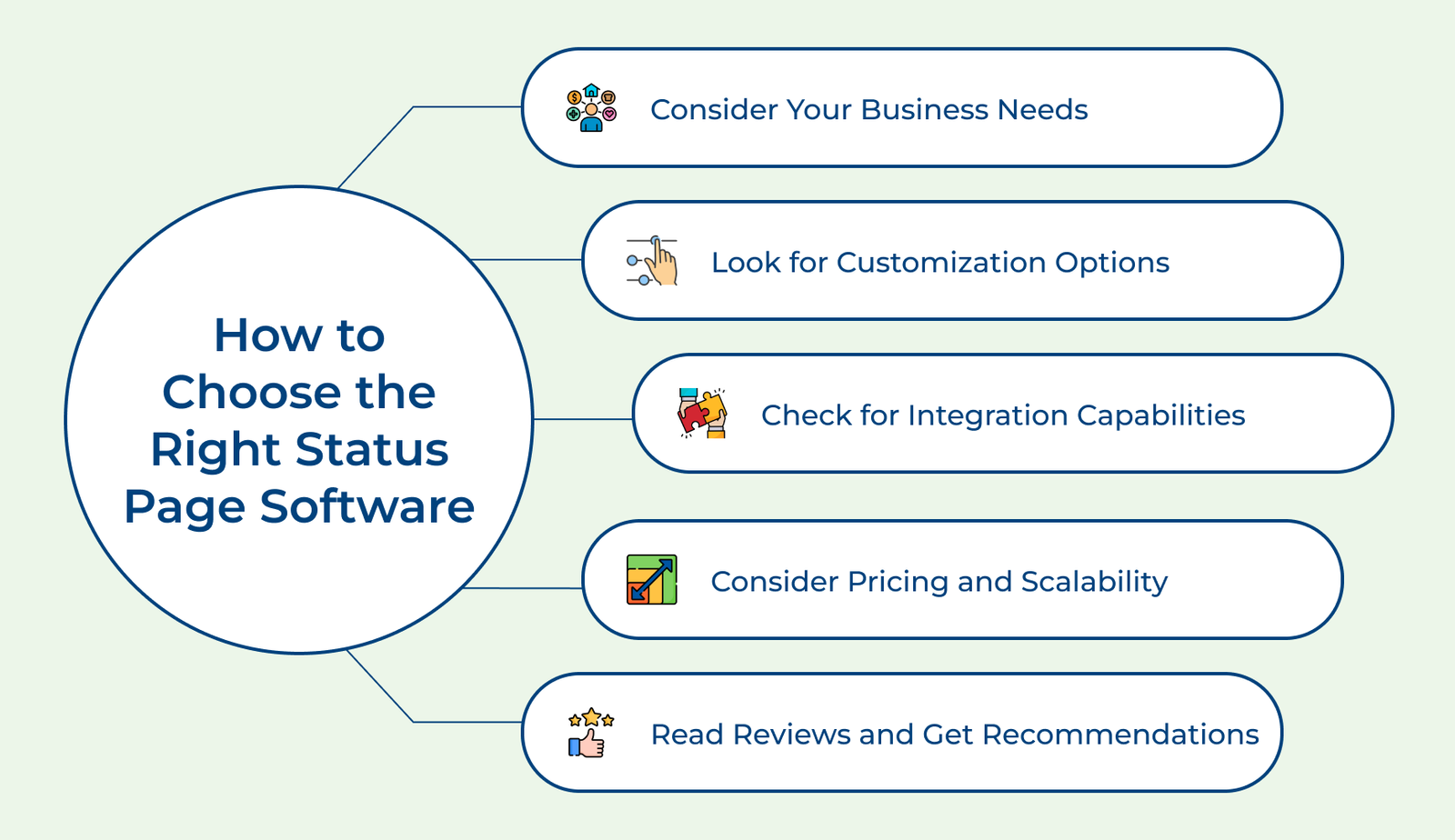
The right status page software takes care of the stability and reliability of the business’s online services. Here are some tips for choosing the right tool for the business:

How to Choose the Right Status Page Software

Consider Your Business Needs
Map out your specific business requirements, such as number of services you monitor, team size and the type of status page you need for different audiences. The tool might be suited for a five-person startup but will fall short for an enterprise that manages distributed infrastructure across multiple teams.

Look for Customization Options
The software should allow full control over domain, colors, logos and overall layout instead of a limited set of preset templates. A branded status page feels natural for your product instead of a generic third-party tool that builds greater trust during incidents.

Check for Integration Capabilities
Look for software that could seamlessly integrate with monitoring tools and communication platforms. It makes sure alerts, updates and incident statuses flow automatically without human intervention during critical moments.

Consider Pricing and Scalability
Evaluate pricing against your expected growth, including components, subscribers and team seats expansion. A cost-effective plan might initially look profitable but quickly become restrictive once your support operations expand, or your user base grows, forcing an unplanned migration.

Read Reviews and Get Recommendations
Check independent review platforms and ask peers in similar industries about their real-world experience with reliability, uptime and customer support responsiveness. Genuine feedback reveals practical limitations that polished pages tend to conveniently overlook.

Best Status Page Tools

A reliable page is vital to monitor the performance of websites and web applications. Following are some of the most reliable status page tools examples to learn from:

#1 Veemo Support

Best status page tool for incident management

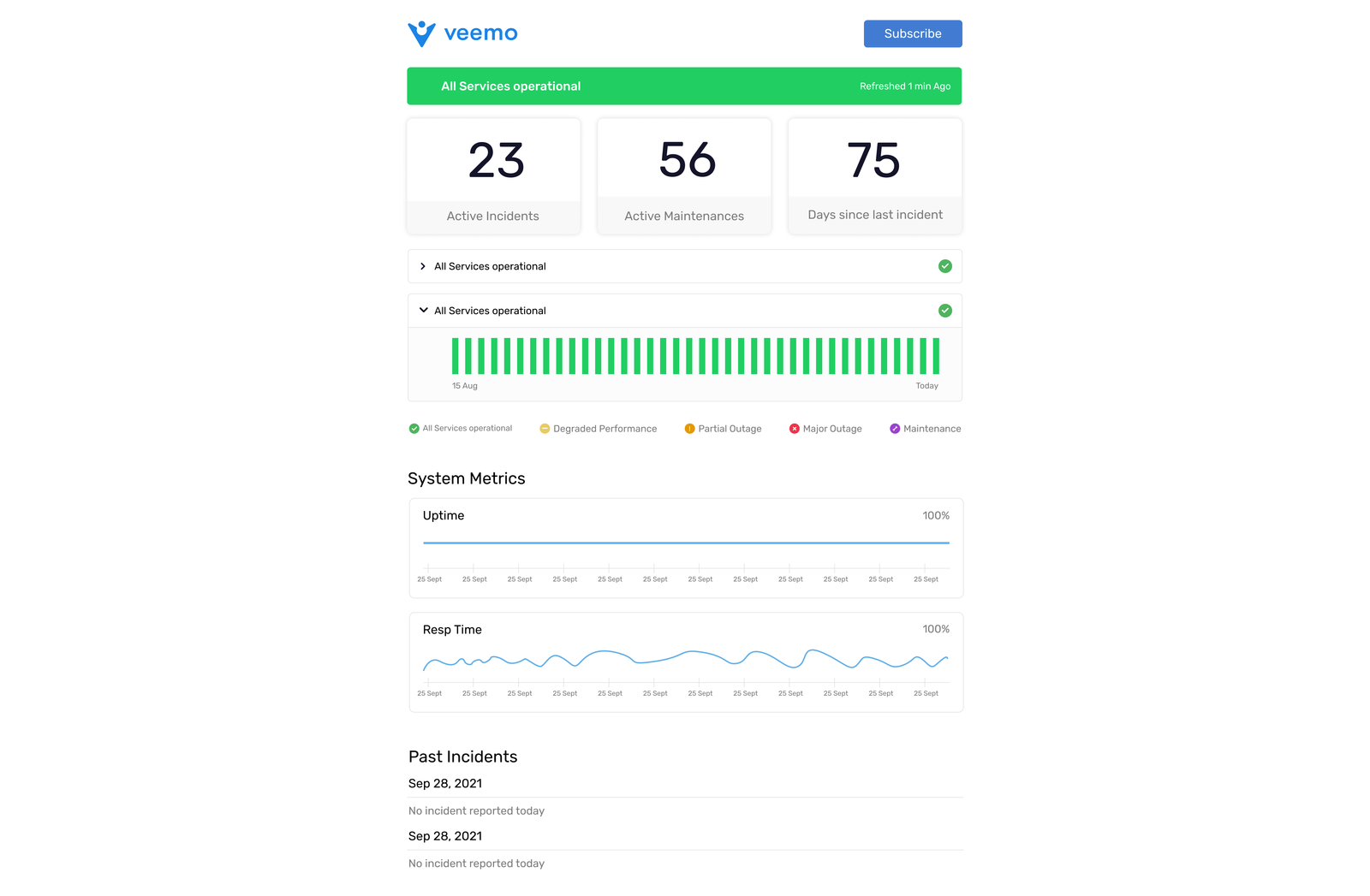
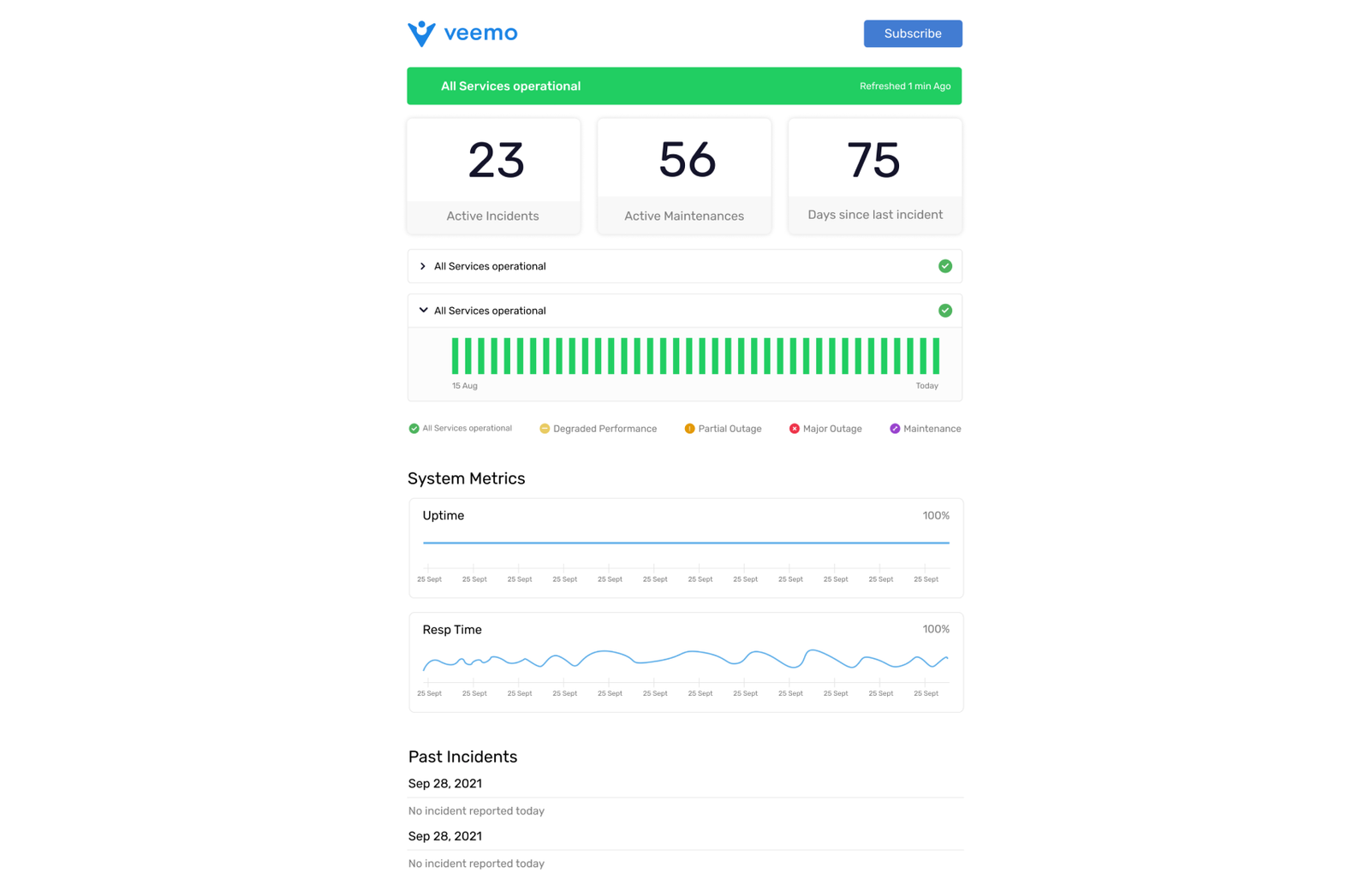
Veemo Support Status page

Veemo Support is an AI-powered help desk platform that streamlines service operations. It combines ticket management, a knowledge base and automation tools to help teams resolve issues faster while reducing manual workload. Veemo Support’s status page allows businesses to communicate real-time status and incidents directly to customers, keeping them informed without additional effort.

Key features:

  • Custom Branding: Create personalized status pages to share information with customers quickly and consistently.
  • Team Notifications: Alert internal teams during major outages or downtime incidents via email or other communication channels.
  • Analytics & SLA Tracking: Review analytics data on past incidents while establishing and monitoring uptime SLAs.
  • Ready-Made Templates: Built-in, fully customizable website status page templates for seamless workflow.
  • Real-Time Updates: Push live incident and maintenance updates for users to always see accurate system status.

Pricing: Veemo’s plans start from $29/user/month with 3 inboxes and stretch up to $129/user/month with unlimited inboxes. Visit Veemo’s pricing page for more details.

#2 Atlassian Statuspage

Comprehensive status page platform for software updates

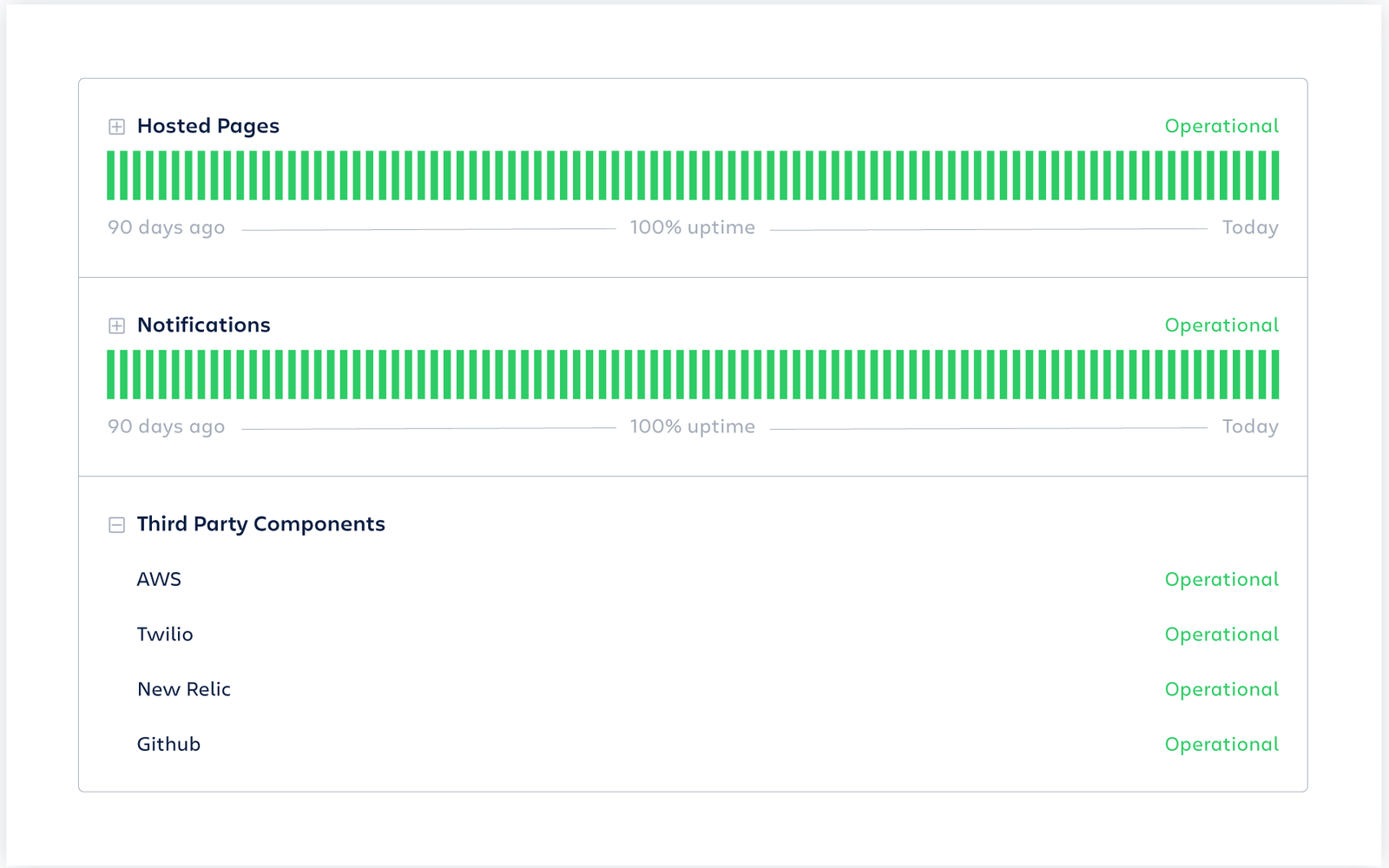
Atlassian Status page

Atlassian Statuspage is a popular status page software for managing information about outages, downtime incidents and software updates. It enables web app developers to quickly create and customize a website that shows the public status (current) of their services. Key features included are Incident notifications, customizable themes, API integrations, visual reporting and alert escalations.

#3 Instatus

Robust status page software for detailed incident report

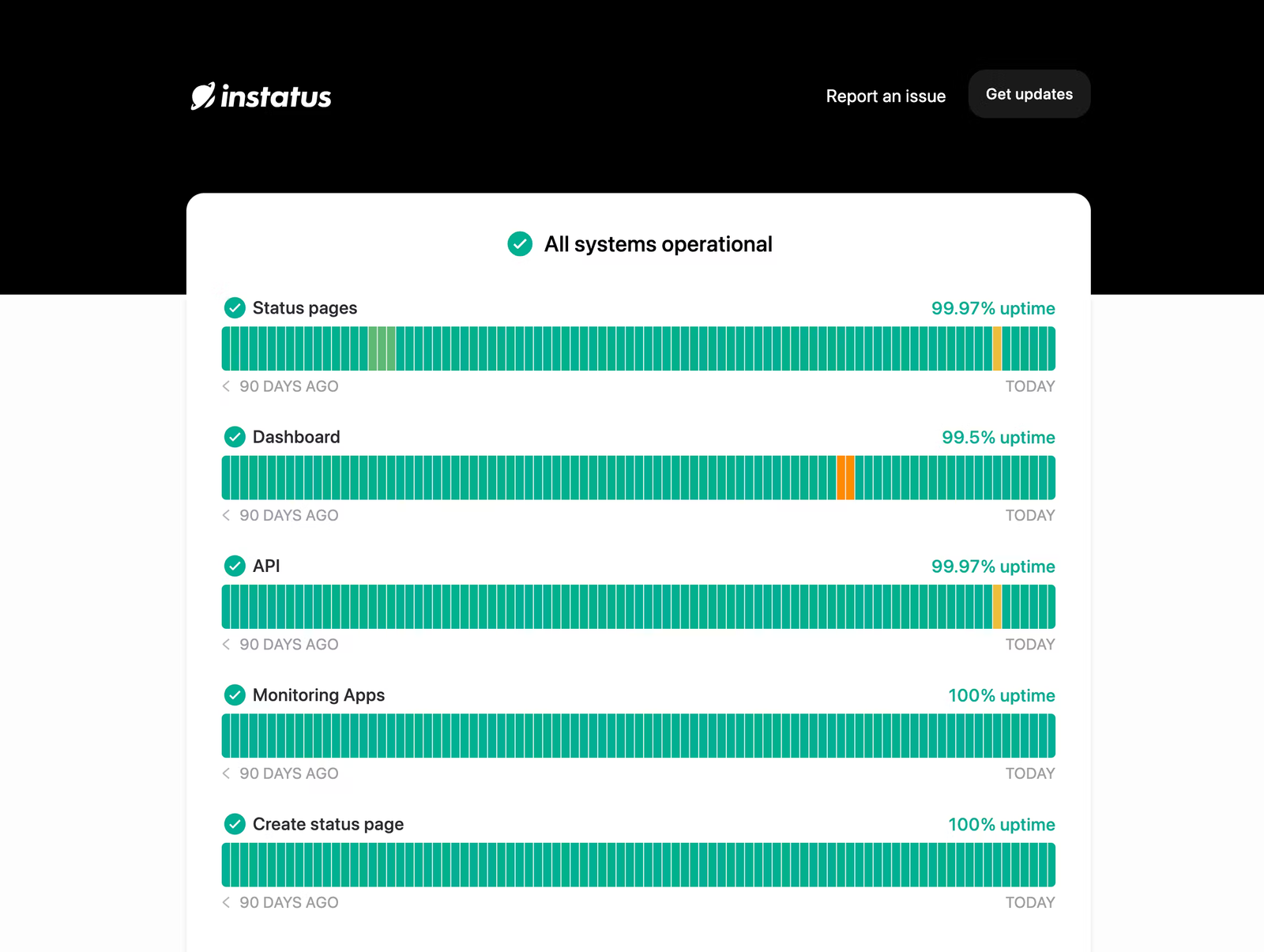
instatus status page

Instatus is a hosted platform for building high-performance customer-facing portals for communicating about website health status in real-time. It includes automatically pushing out outage notifications across social networks like Twitter or Slack without manual work involved. Some more features are desktop push notifications on downtime events and recoveries.

#4 StatusGator

Extensive status page platform for enhancing user experience

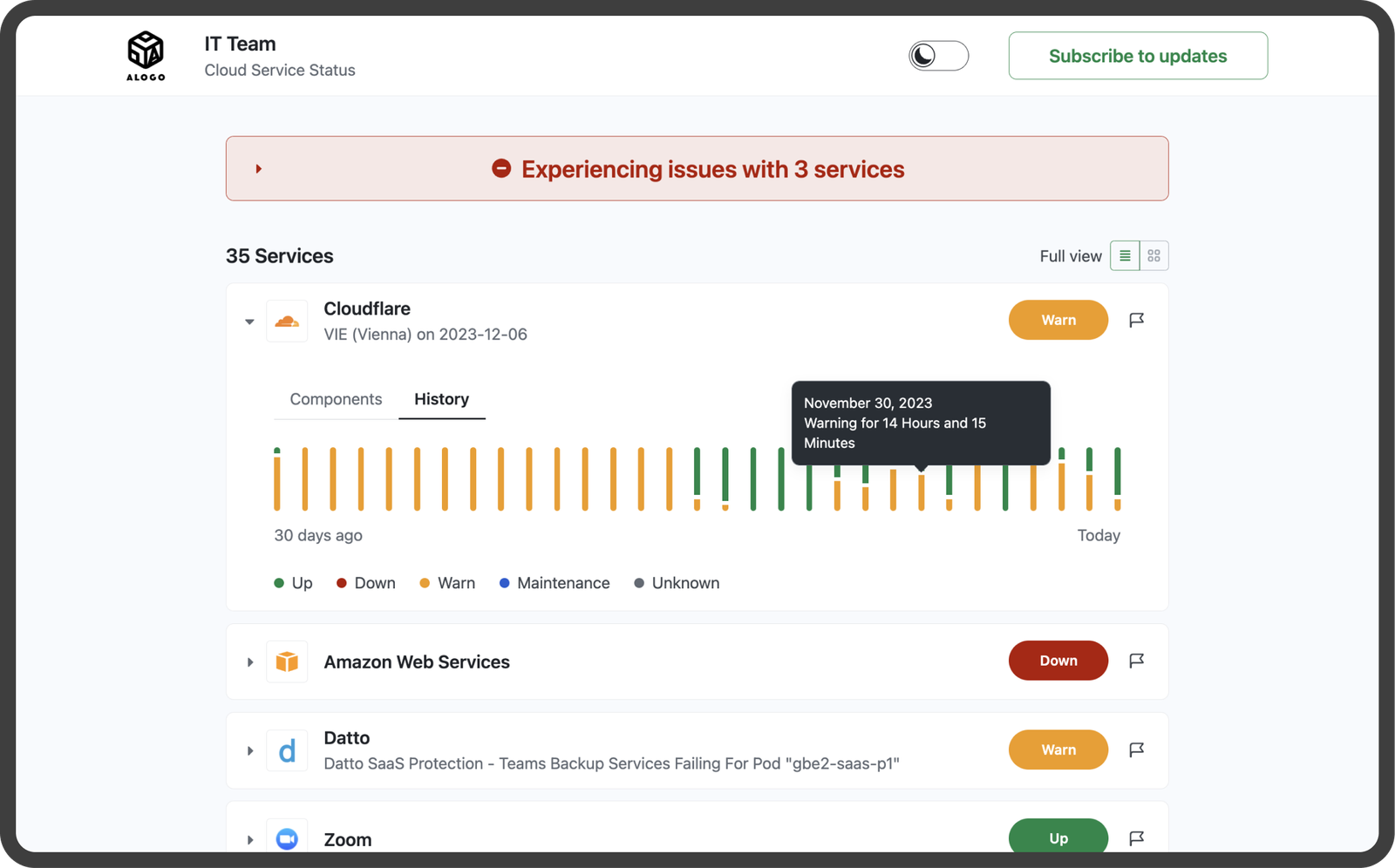
StatusGator

StatusGator is the best status page software for businesses looking to keep their customers informed about any downtime. StatusGator allows companies to easily set up and maintain a status that provides real-time updates on the performance of their systems. Key features of StatusGator include the ability to integrate with various monitoring tools, customizable design and the option for multiple status pages.

Read more: Discover the top enterprise help desk software solutions for large-scale organizations.

Why Is a Status Page Important for Incident Management?

Let us explore the key benefits of having a status page and how it can be a vital component of your incident communication strategy.

Benefits of Status Page

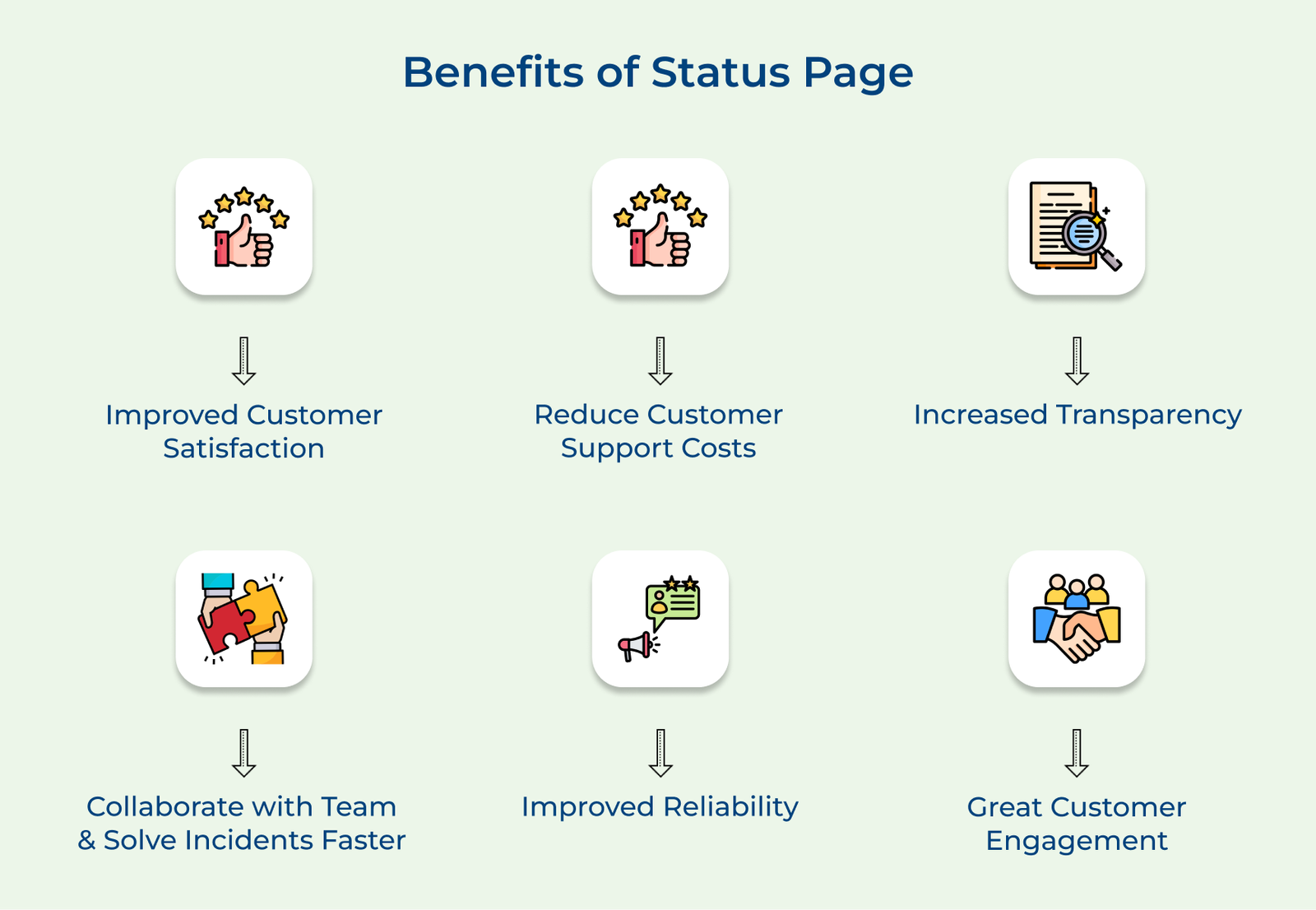
1. Improved Customer Satisfaction
A status page enables companies to proactively handle incident management and keep customers informed, leading to increased customer satisfaction. They can achieve it through real-time updates and clear communication during an incident.

2. Reduce Customer Support Costs
Providing real-time updates and reducing the need for multiple support tickets a status page helps reduce customer support costs. The resources are freed up and can be put towards other important tasks.

3. Increased Transparency
A status page provides an easy way to track the performance of the organization’s services and communicate publicly any outages, downtimes or other incidents. Brands can increase the transparency with their customers.

4. Improved Reliability
Status pages also provide helpful insights into how often certain issues may arise so teams can adjust their strategies accordingly. It ensures greater reliability through proactive maintenance.

5. Greater Customer Engagement
The status page serves as a powerful platform for engaging directly with customers about any ongoing issues that could impact service delivery.

How to Measure The Status Page Performance (KPIs & Metrics)

Measuring the performance of the status page and incident management process is essential for identifying areas of improvement. Let us take a look at the key KPIs and metrics that businesses should track:

Status Page KPIs & Metrics

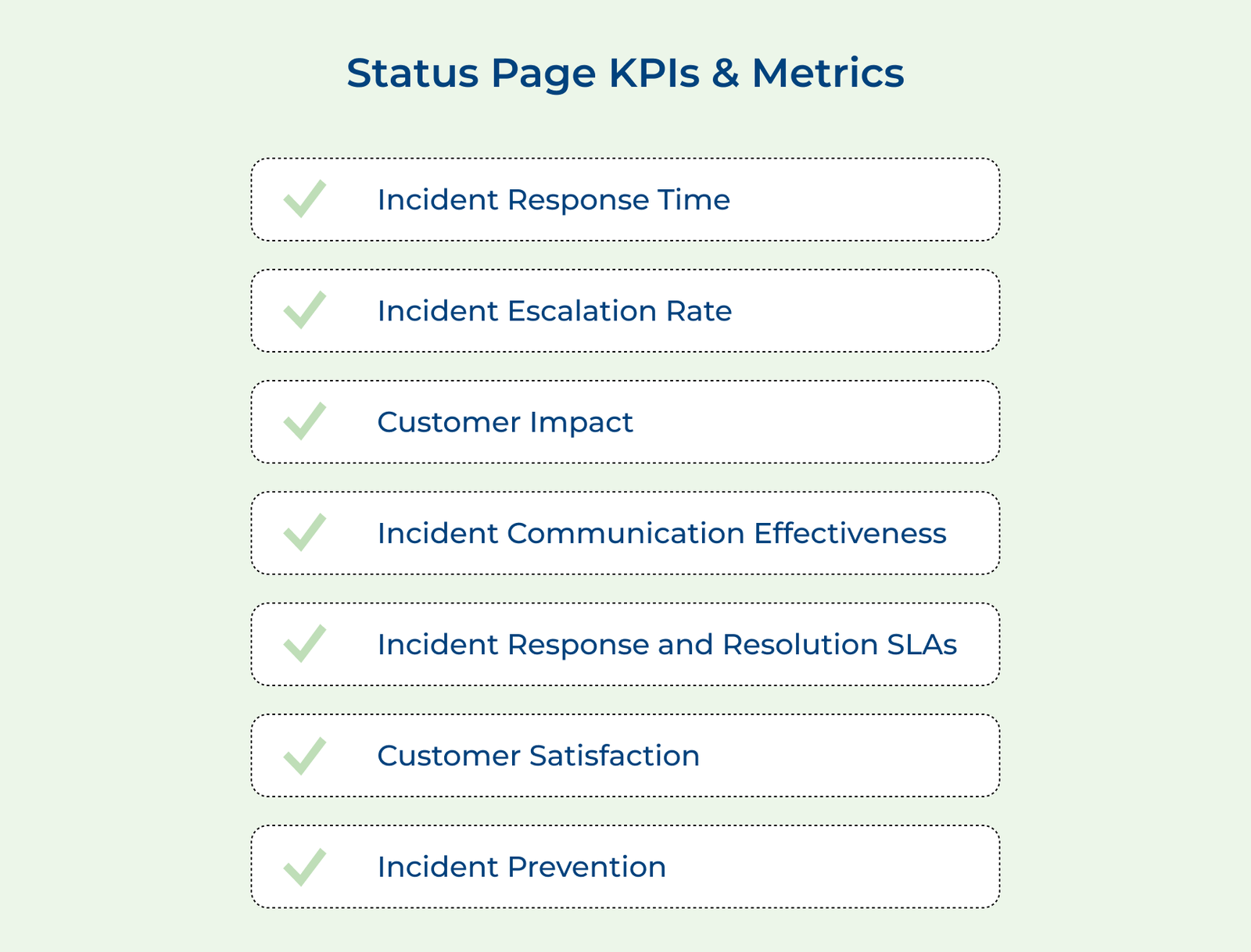
1. Incident response time: The metric measures the time it takes for a team to acknowledge and respond to incidents. It is important to track both the average and maximum response times to ensure that incidents are being addressed promptly.

2. Incident escalation rate: Businesses can calculate the percentage of incidents that require escalation to higher-level support or management. A high escalation rate may indicate a need for additional training or resources.

3. Customer impact: Measures the impact of incidents on customers. It includes factors such as the number of customers affected, the duration of the impact and customer feedback. Tracking customer impact helps prioritize incident resolution and improve customer satisfaction.

4. Incident communication effectiveness: Businesses can understand how effective their communication has been during incidents. It includes factors such as the clarity of communication, timeliness of updates and customer feedback on communication.

5. Incident response and resolution SLAs: The metric measures the percentage of incidents that are resolved within the defined service level agreements (SLAs). Tracking SLA compliance helps ensure that incidents are being addressed.

6. Customer satisfaction: Measures customer satisfaction with the incident management process. It can be measured through surveys, feedback forms or customer reviews. Brands can identify improvement areas and gauge the effectiveness of the incident management system.

7. Incident prevention: Calculate the effectiveness of the incident prevention measures. It includes factors such as the number of incidents prevented, the impact of preventive measures and customer feedback on incident prevention.

Who Should Have a Status Page?

Let us take a look at a few reasons why implementing a status page is vital for maintaining customer satisfaction and operational efficiency.

Who Should have a Status Page

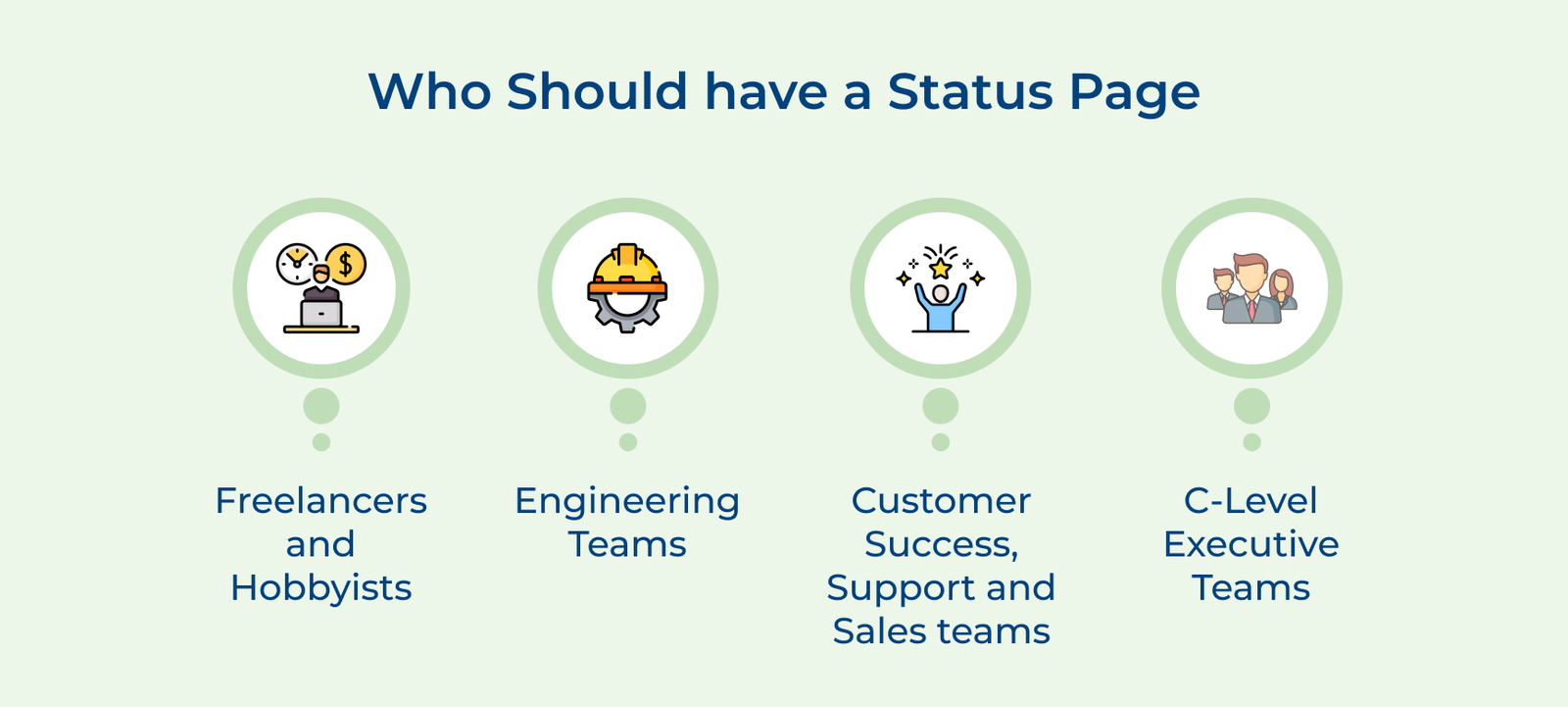
1. Freelancers and hobbyists: Even solo entrepreneurs and hobbyists who offer digital products or services can benefit from a status page. It demonstrates professionalism and commitment to its users or clients.

2. Engineering teams: The status is paramount for teams that are responsible for developing software applications, websites or online services. They can communicate transparently with their users about system status and scheduled maintenance.

3. Customer success, support and sales teams: The teams are the frontline of customer interactions and a status page can be a valuable asset. It empowers them to proactively address customer concerns and minimize the influx of support inquiries during service disruptions.

4. C-level executive teams: A website status page can serve as a strategic communication tool. It demonstrates a commitment to transparency, which can positively impact brand reputation.

Hosted Status Page Examples

Check out a variety of hosted status page examples from leading companies below. Get valuable insights into how to effectively manage user expectations and maintain transparency during service disruptions.

1. Twitter
Twitter utilizes a status page to communicate with users about the status of their service. During times of technical issues or downtime, Twitter updates its page to inform users of the situation. They are able to better manage user expectations and establish transparency with users.

2. Spotify
Spotify also uses a status page to keep users informed about the status of their service. Spotify updates its page to provide real-time information to users and it has helped them to maintain user trust. The transparency and communication provided through the page is appreciated by their users, boosting their satisfaction.

3. Amazon
Amazon uses a status page to communicate with customers about the status of their website and services. It includes updates on website performance, order processing and delivery status. Amazon helps to manage customer expectations and provide a seamless shopping experience by keeping customers informed through their page.

4. Apple

Apple also utilizes a status page to communicate with customers about the status of their services and products. Providing real-time information to customers has enabled Apple to minimize any negative impact on customer experience and maintain a strong reputation for reliability.

Level Up Incident Management with Veemo’s Status Page Tool

Status page is an essential tool for businesses to effectively communicate with their customers during any service disruptions or incidents. The internal status page provides real-time updates on the status of the service, ensuring transparency and reducing customer frustration.

Businesses can proactively address their issues and manage customer expectations. Incident management and a status page allow them to maintain credibility with their customers by keeping them informed.

FAQs about the Status Page Software

A good status page software includes real-time system status, color-coded indicators for each service and a clear incident timeline. These elements enable customers to instantly understand what’s working, what isn’t and the process of resolution.
The page should also display historical uptime data along with scheduled maintenance notices and subscription options for email or SMS alerts. Together, these turn a status page into a reliable, self-service source of truth for customers.

The right status page software typically integrates with monitoring tools and alert systems to automatically update based on real-time data. The automation makes sure every customer sees accurate, up-to-the-minute information instead of delayed updates. Key features include:

  • Color-coded indicators: Show at a glance if the systems are operational, experiencing degraded performance or undergoing scheduled maintenance.
  • Automated updates: Pull data directly from uptime checks to reduce the need for manual reporting during incidents.
  • Incident timelines: Complete visibility into an issue’s progression from initial detection up to investigation and final resolution.

A status page provides transparency and timely updates on any service disruptions or issues. It shows that the company values transparency by keeping customers informed. It helps to build trust with customers and demonstrates a commitment to resolving any issues.

Proactive communication on a status page is crucial to keep customers informed and maintain their trust during a service outage. It helps to manage customer expectations, provide updates on the progress of resolving the issue and offer estimated timelines for resolution. Businesses can demonstrate their commitment to customer satisfaction by being transparent.

Regularly updating your status page keeps customers informed with accurate information about the current status of a website, service or system. This strengthens overall customer reliability on your business and reduces confusion during incidents.

  • Builds long-term trust and transparency with customers
  • Reduces repetitive support inquiries during outages
  • Reflects accurate uptime history to maintain credibility